Games
Lightweight browser games that load fast and feel snappy.
- Game2026

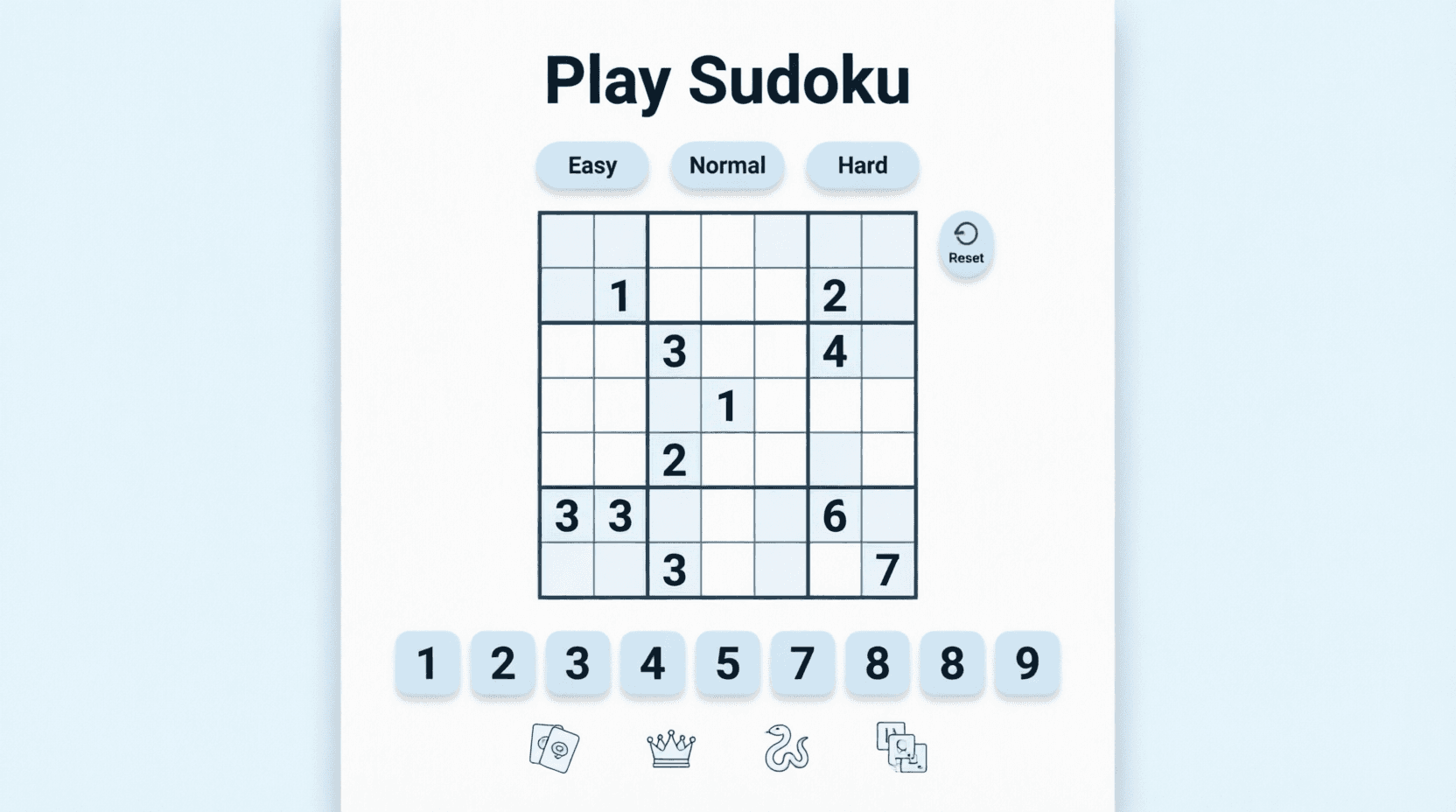
Sudoku
Play a responsive 9x9 Sudoku puzzle with mobile-friendly controls.
View detailsView - Game2026
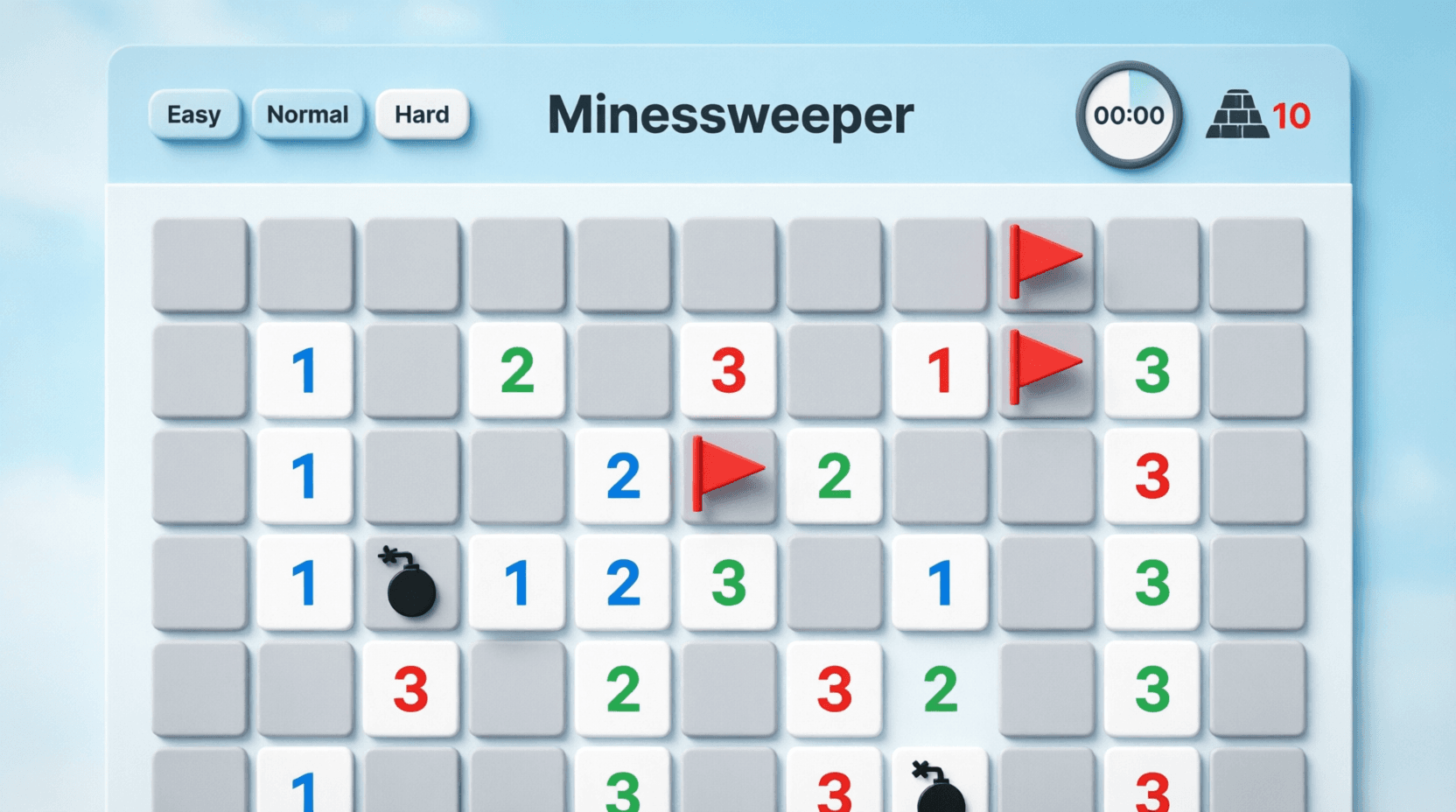
Minesweeper
Play classic Minesweeper with difficulty modes, timer tracking, and mobile-friendly controls.
View detailsView - Game2026
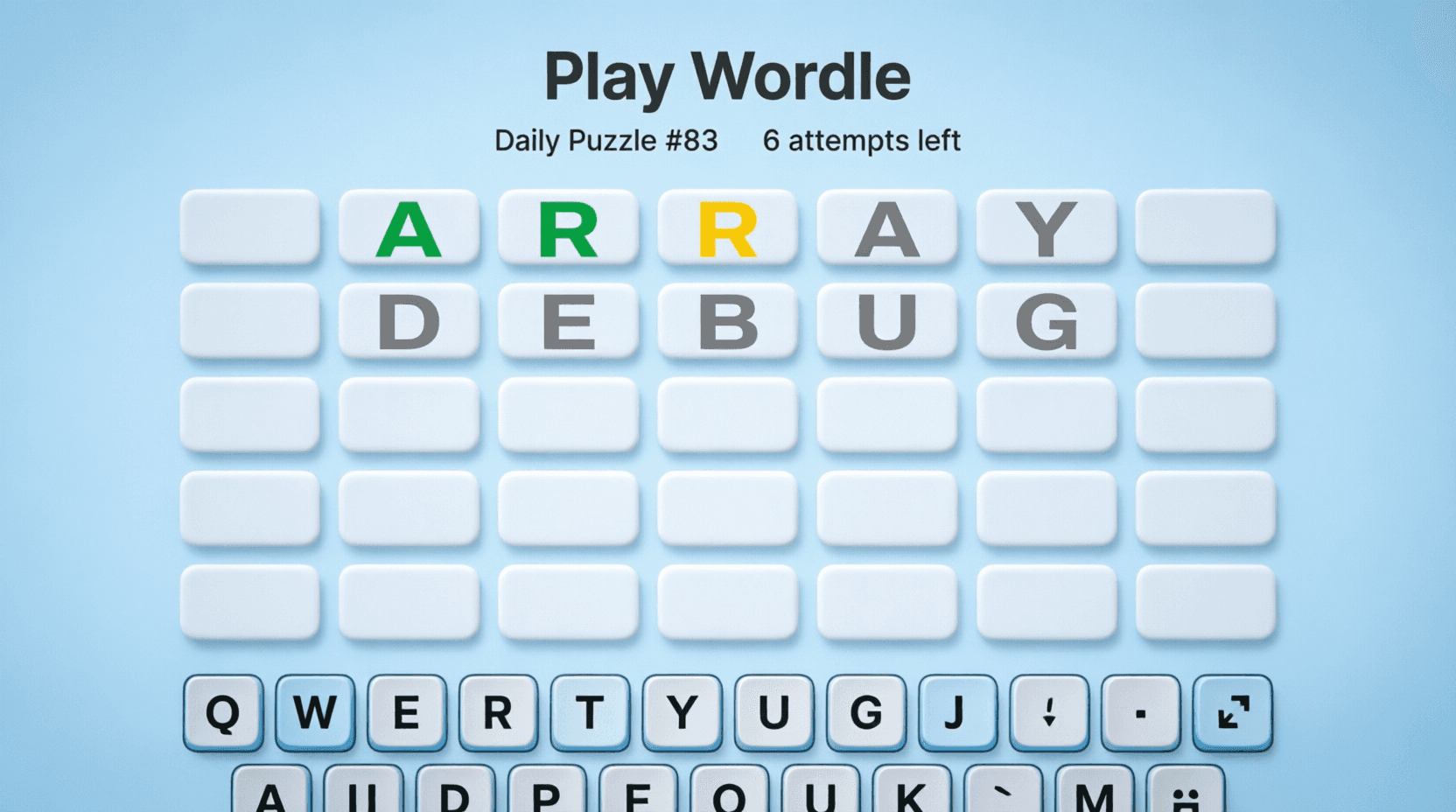
Wordle Clone
Play a daily programming word puzzle with mobile keyboard support and shareable results.
View detailsView - Game2026
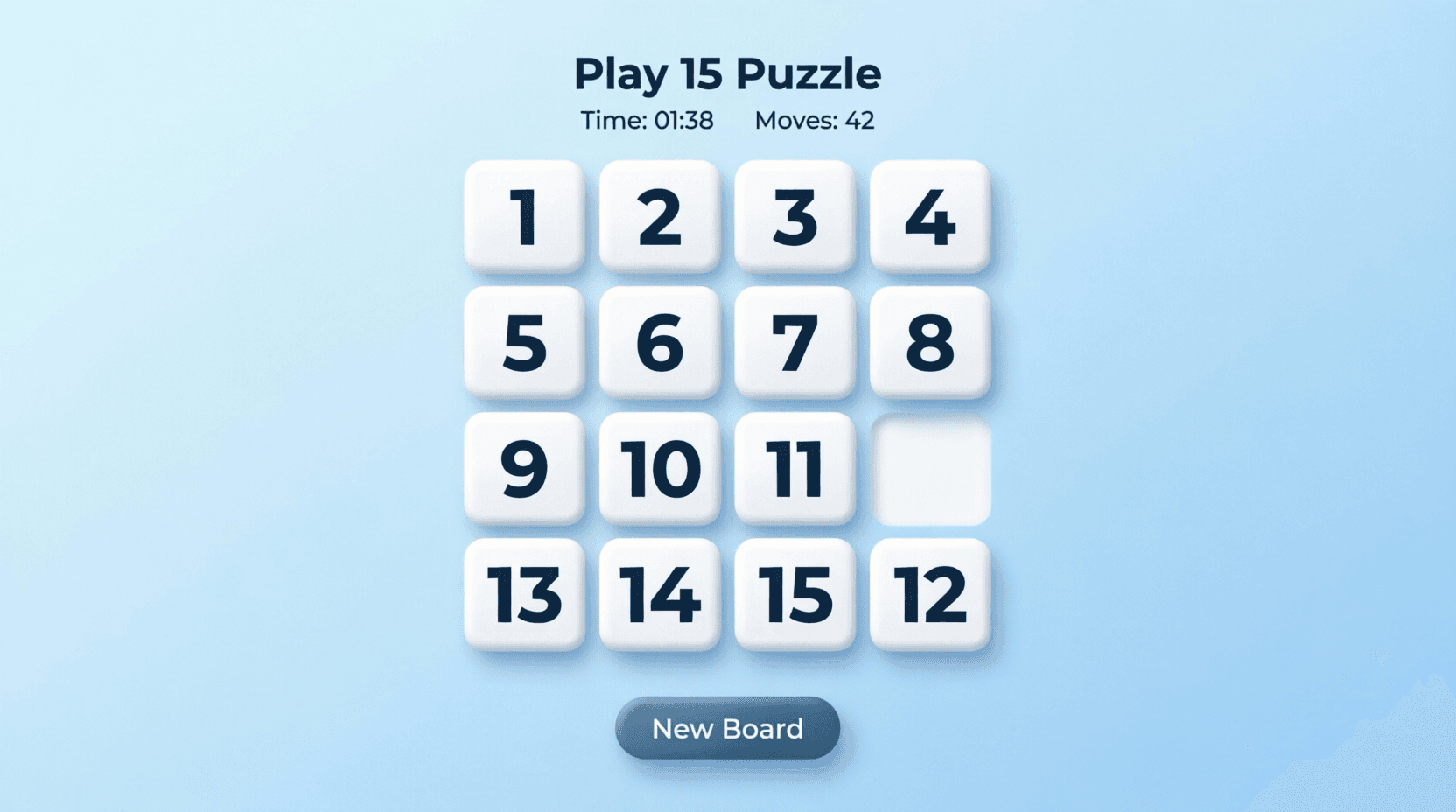
Sliding Puzzle
Play the classic 15 puzzle with touch-friendly controls, move counter, and timer.
View detailsView - Game2026
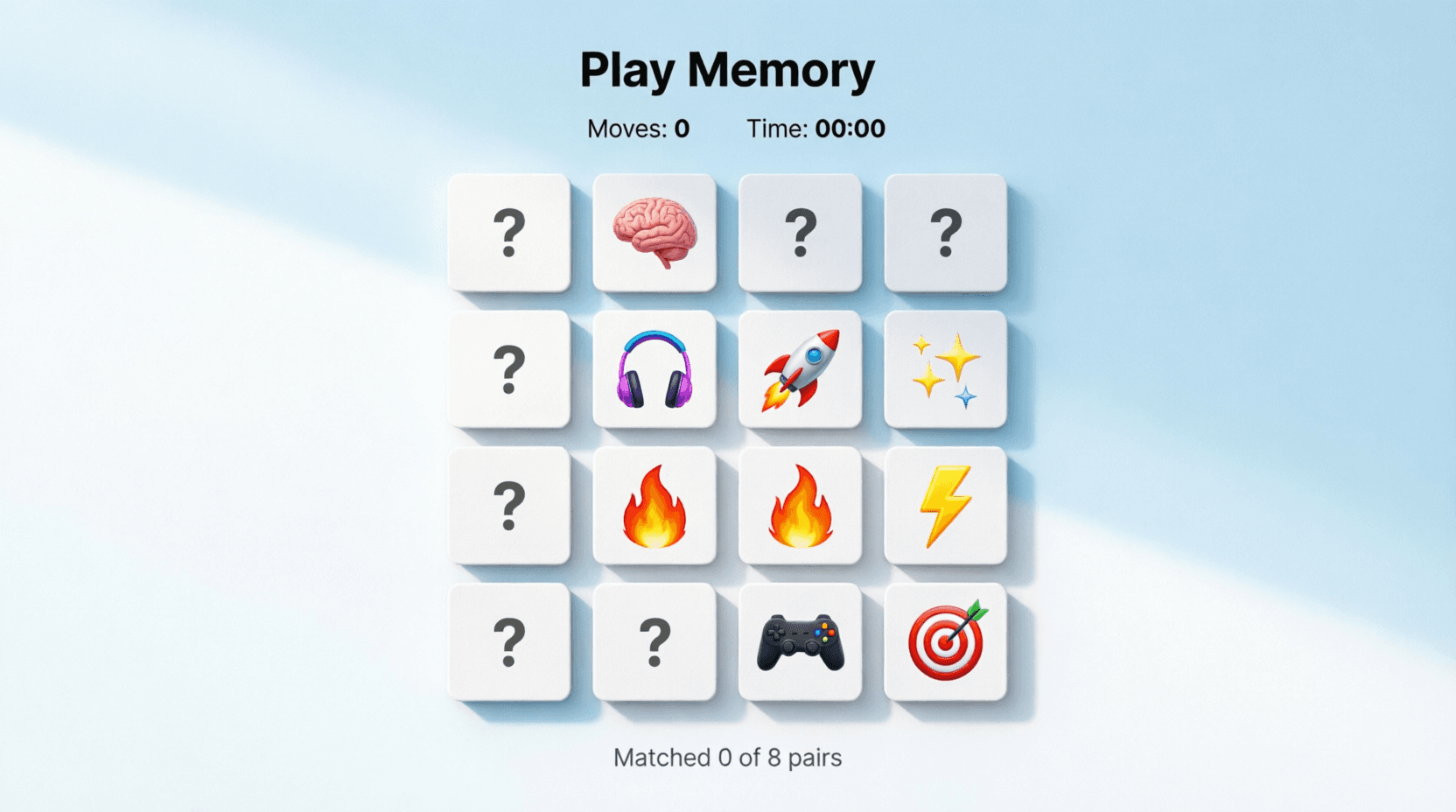
Memory Card Game
Flip cards, match pairs, and switch between emoji and programming icon modes.
View detailsView - Game2026
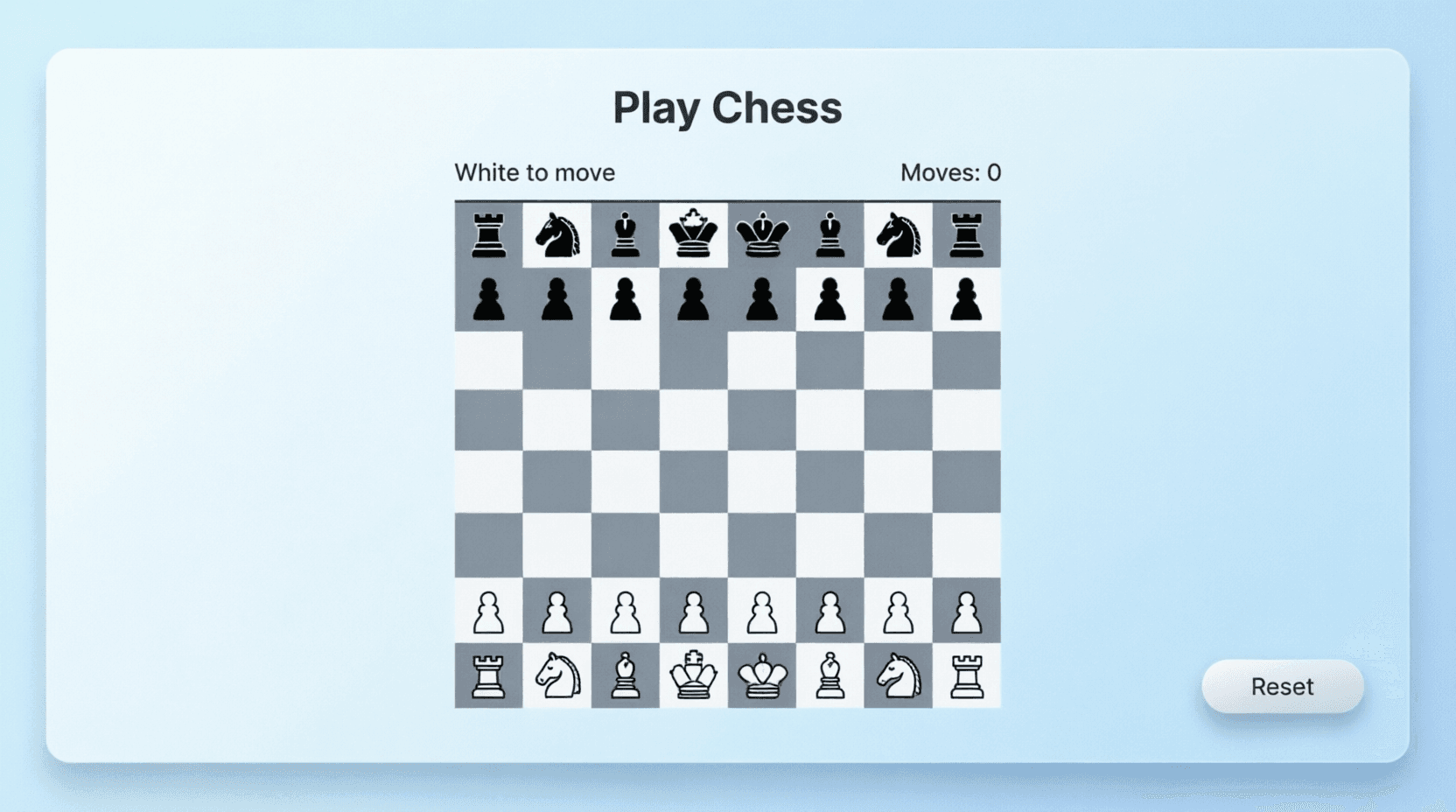
Simple Chess
Play a simple two-player chess game with core movement rules in your browser.
View detailsView - Game2026
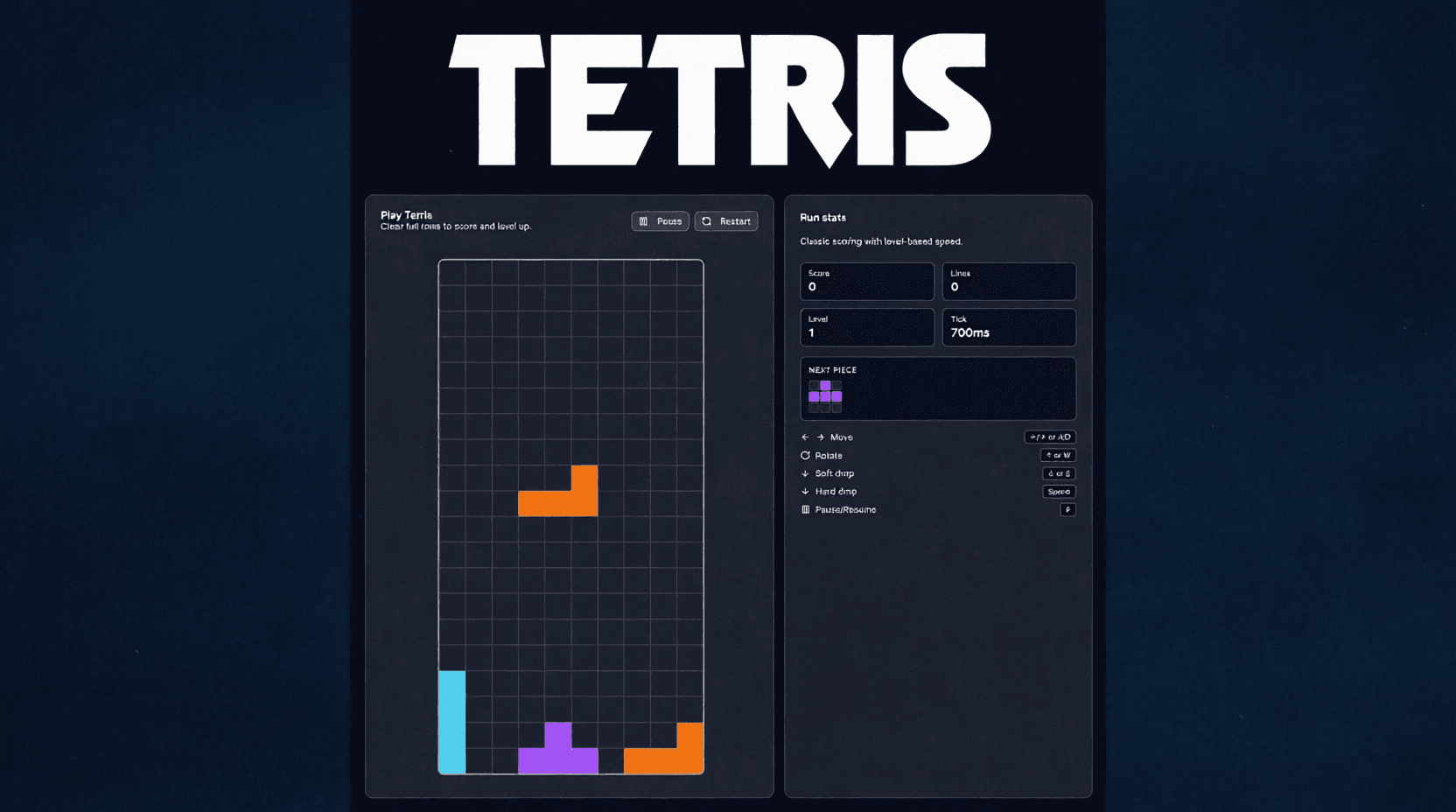
Tetris Clone
Play a simple Tetris clone with classic tetromino controls and line clear scoring.
View detailsView - Game2025
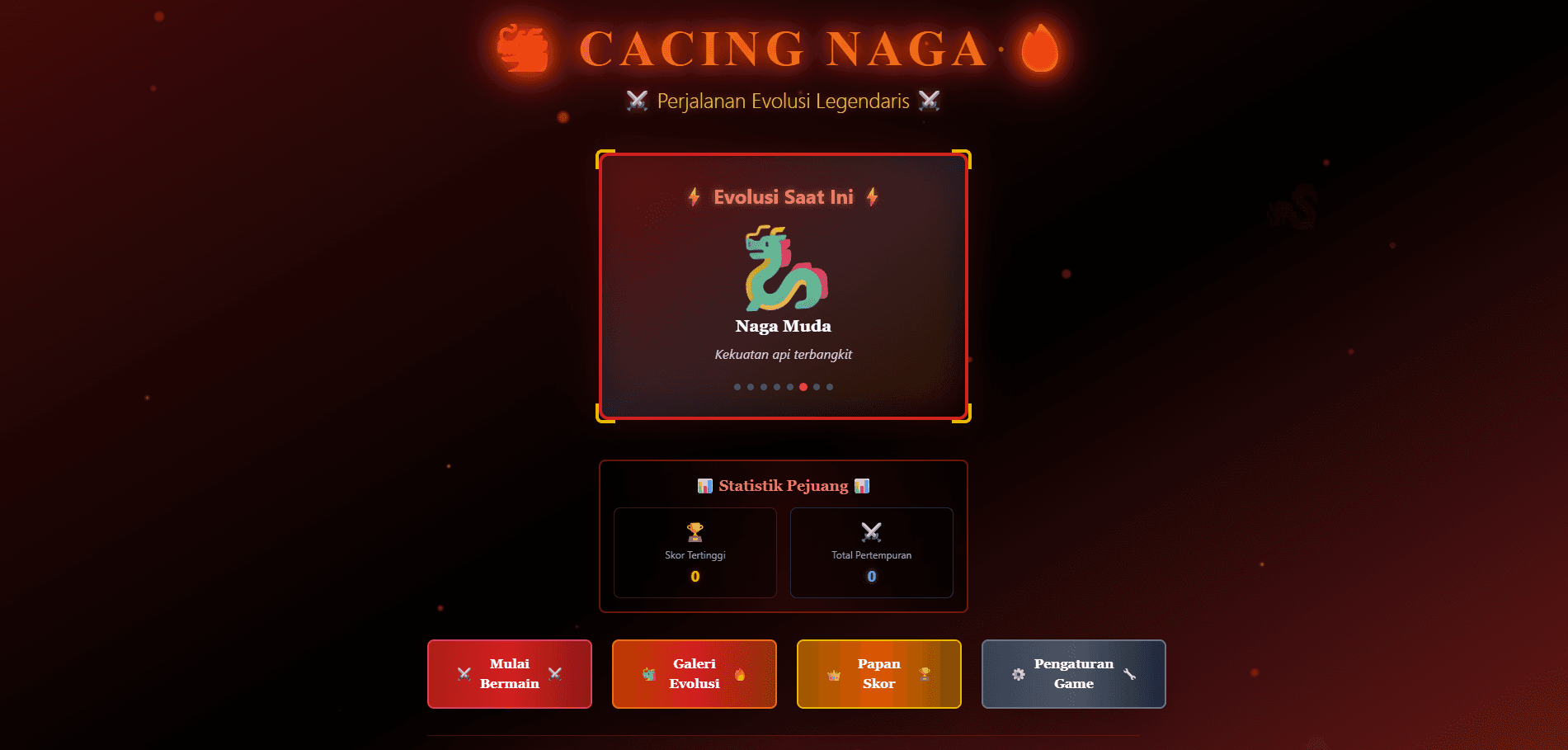
CacingNaga
A minimalist browser game with playful mechanics.
View detailsView - Game2025
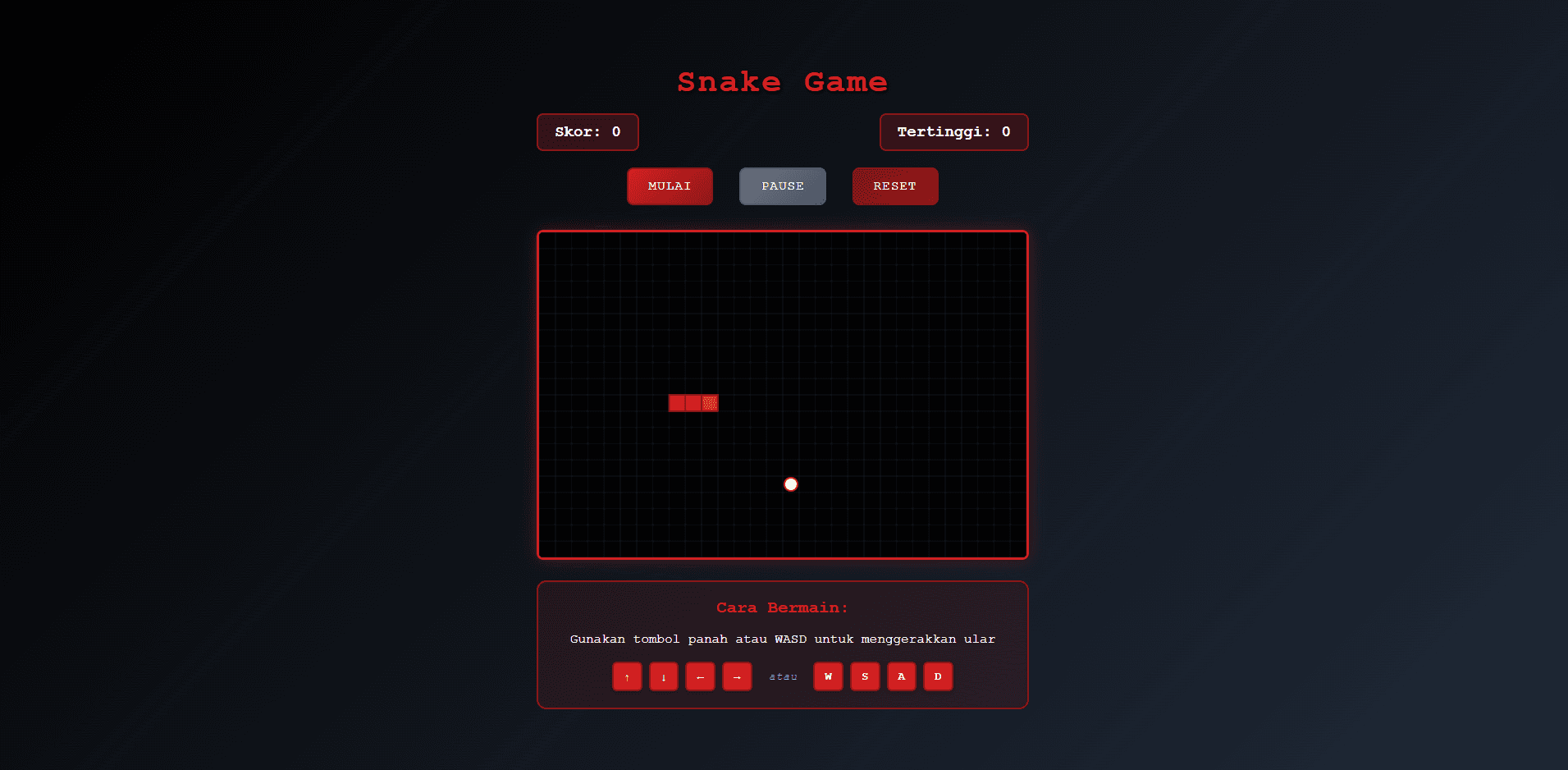
RedSnake
A modern take on the classic snake game.
View detailsView - Game
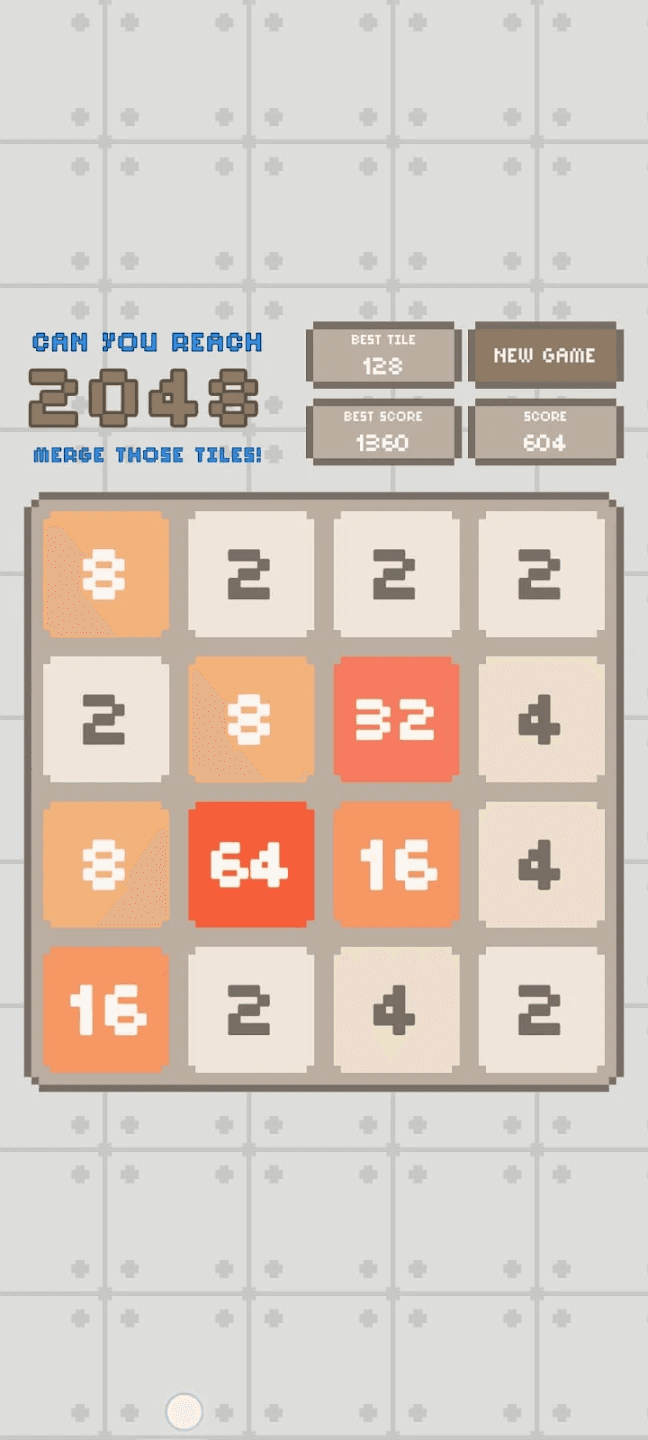
2048 Pixel - Retro Puzzle
Enjoy the classic 2048 puzzle with a pixel-perfect twist! 2048 Pixel brings the beloved number-merging game to life with nostalgic pixel graphics and a minimalist interface — perfect for relaxing or challenging your brain.
View detailsView
Why these games feel right
Design approach behind the game collection
Each game starts from one core interaction loop that can be explained in a sentence. By keeping the loop small and intentional, the experience stays accessible for new players while still allowing replay value through timing pressure, score optimization, pattern recognition, or strategic decisions.
Interface complexity is intentionally constrained. The objective is to make controls readable on both desktop and mobile without forcing tutorial-heavy onboarding. This design choice supports quick sessions and reduces friction for returning users who just want to jump in and play.
Performance is treated as part of gameplay quality. Lightweight rendering, responsive input, and stable state transitions are prioritized so feedback feels immediate, which is especially important for reflex and puzzle mechanics where latency directly affects the user experience.
How to pick a game for your session
Choose puzzle-oriented games when you want deliberate thinking and pattern planning, and select action-oriented games for faster rounds with immediate feedback. If you are playing in short breaks, prefer games with instant restart cycles and clear win/loss states.
For learning-focused sessions, use games that expose measurable progress such as move efficiency, time tracking, or accuracy. Repeating these loops with small goals is often more useful than long sessions without reflection.
If you are introducing games to friends or teammates, start with the simplest control model first and move to more demanding mechanics as confidence grows. This progression keeps the experience inclusive and enjoyable for mixed skill levels.