PromGen
Generate structured prompts for AI coding assistants to build complete game projects.
How to use PromGen
Generate a prompt first, then optionally enhance it with Browser AI if available.
- Pick an example or write your game idea.
- Choose engine/language/platform and complexity.
- Click Generate Prompt.
- Optionally click Enhance (AI) to add more implementation details.
- Copy Prompt and paste into your coding assistant.
- unavailable: device/OS/disk/hardware doesn’t meet requirements, or the API isn’t exposed.
- downloadable: model download is needed; click Load Browser AI.
- downloading: wait for the download to finish.
- available: AI buttons should work.
- Desktop only (Gemini Nano is not available on mobile).
- macOS 13+ / Windows 10+ / Linux (desktop).
- At least 22 GB free on the Chrome profile disk.
- Either GPU > 4 GB VRAM, or 16 GB RAM + 4 CPU cores.
- Enable flags: chrome://flags/#optimization-guide-on-device-model and chrome://flags/#prompt-api-for-gemini-nano, then relaunch.
Other tools you might want to try
Discover more fast utilities from this collection, plus one sponsored slot.
- Tool2026
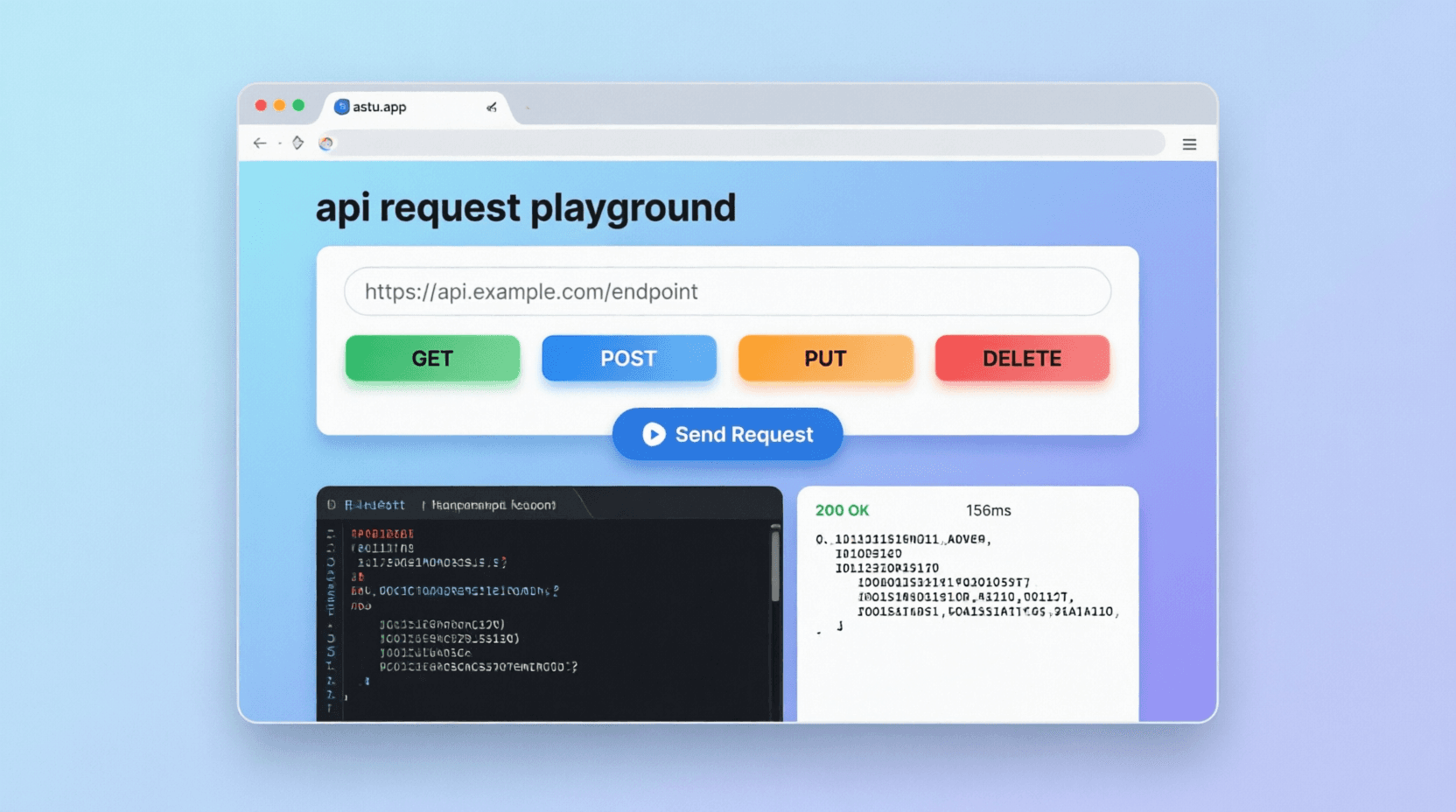
API Request Playground
Build and test HTTP requests with JSON body validation, response tabs, and snippet generation.
View detailsView - SponsoredPromoted placement for tool explorers
- Tool2026
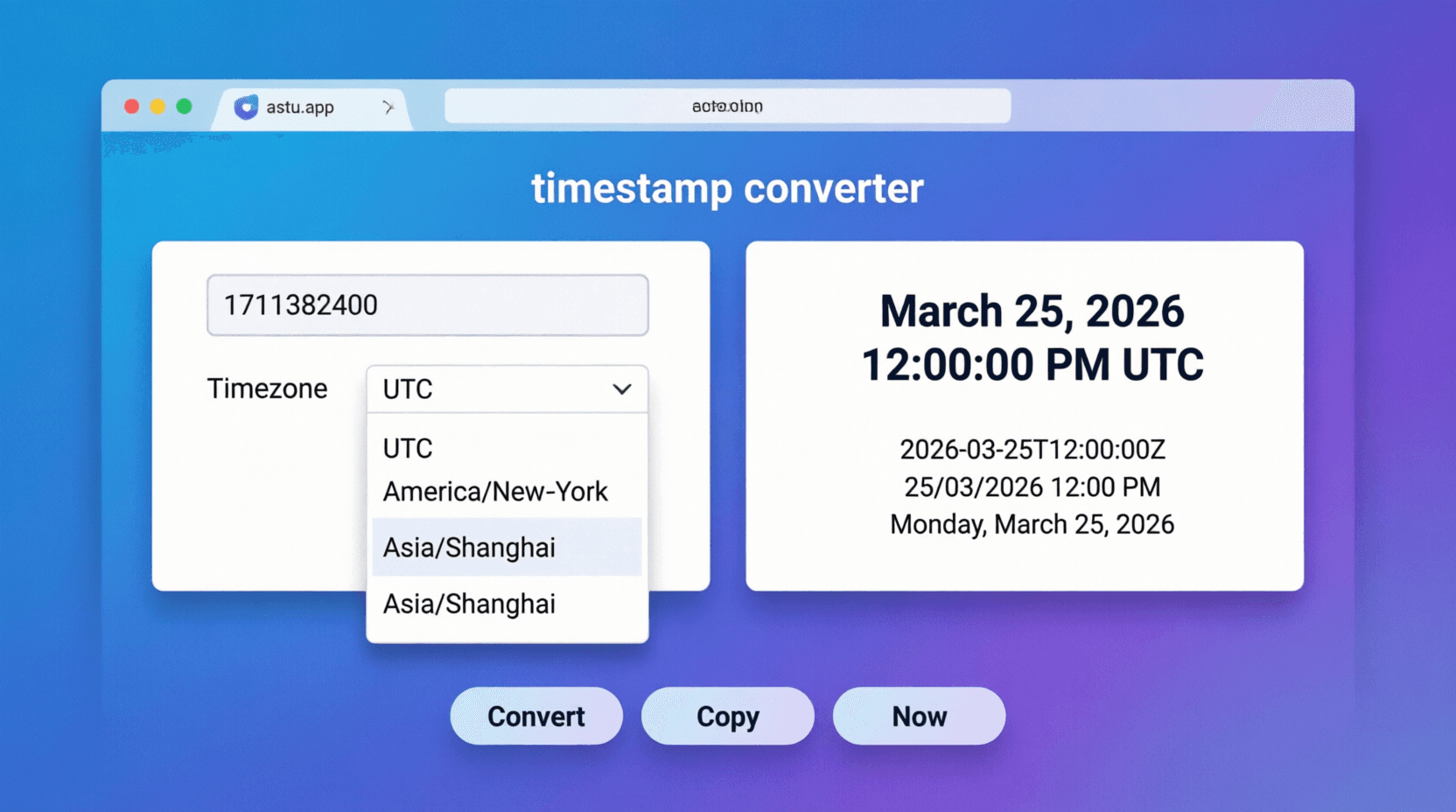
Timestamp Converter
Convert UNIX timestamps into UTC, local time, ISO strings, and relative time.
View detailsView - Tool2026
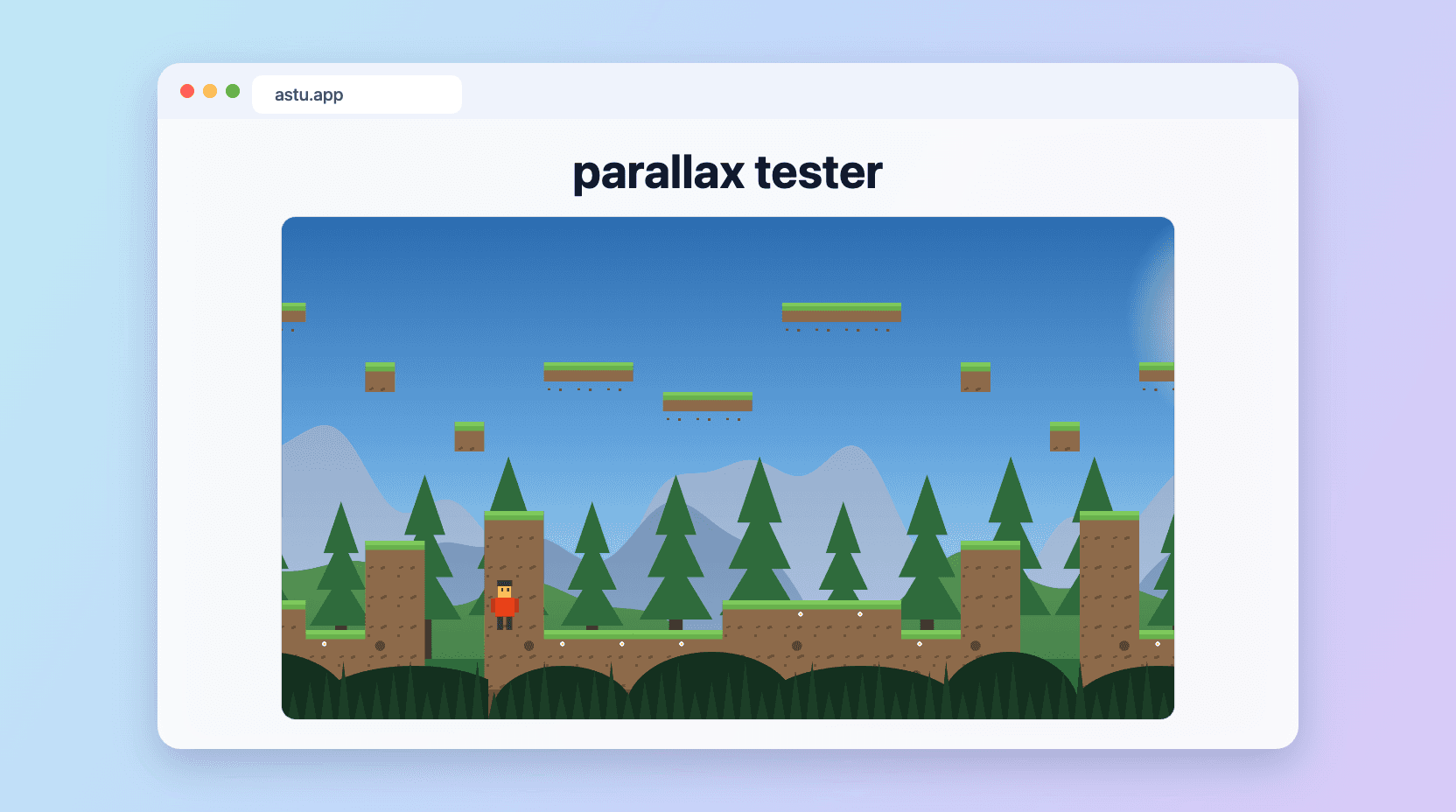
Parallax Tester
Preview multi-layer parallax scrolling from your own tileset, character, backgrounds, and foregrounds. 1920x1080, in-browser.
View detailsView - Tool2026
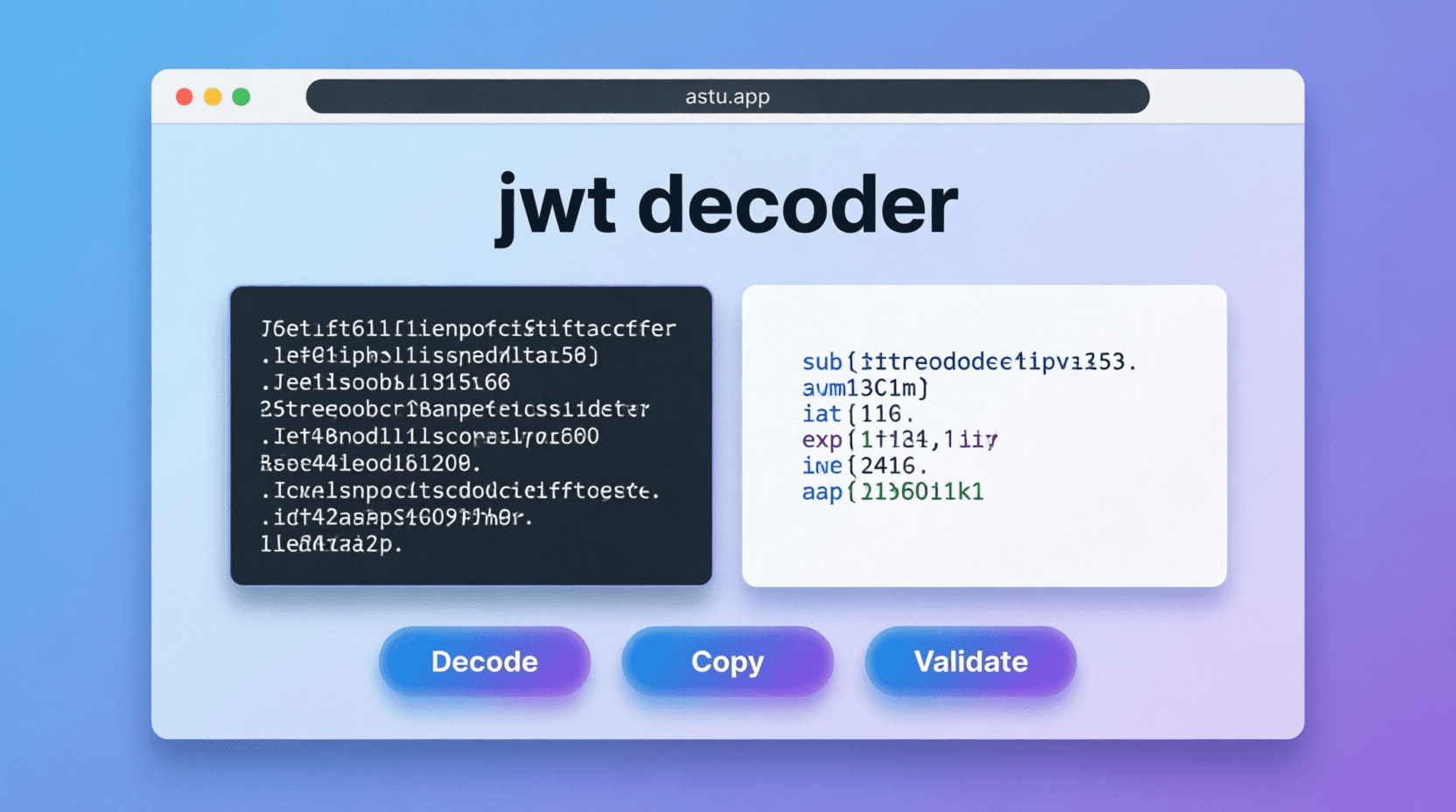
JWT Decoder
Decode JWT header and payload, then track expiration countdown instantly.
View detailsView - Tool2025
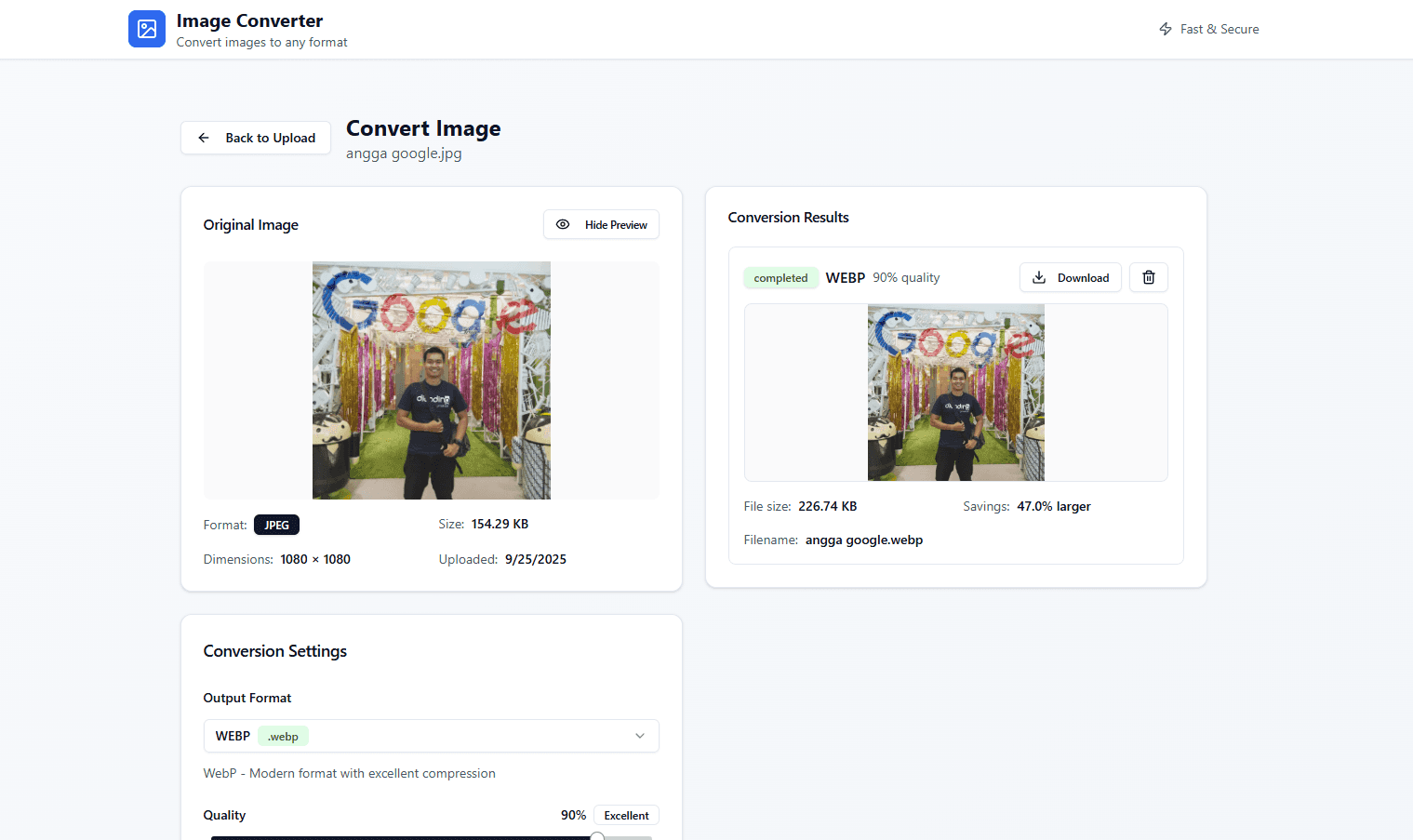
Astu's ImageConverter
Convert images quickly in the browser—simple and fast.
View detailsView - Tool2026
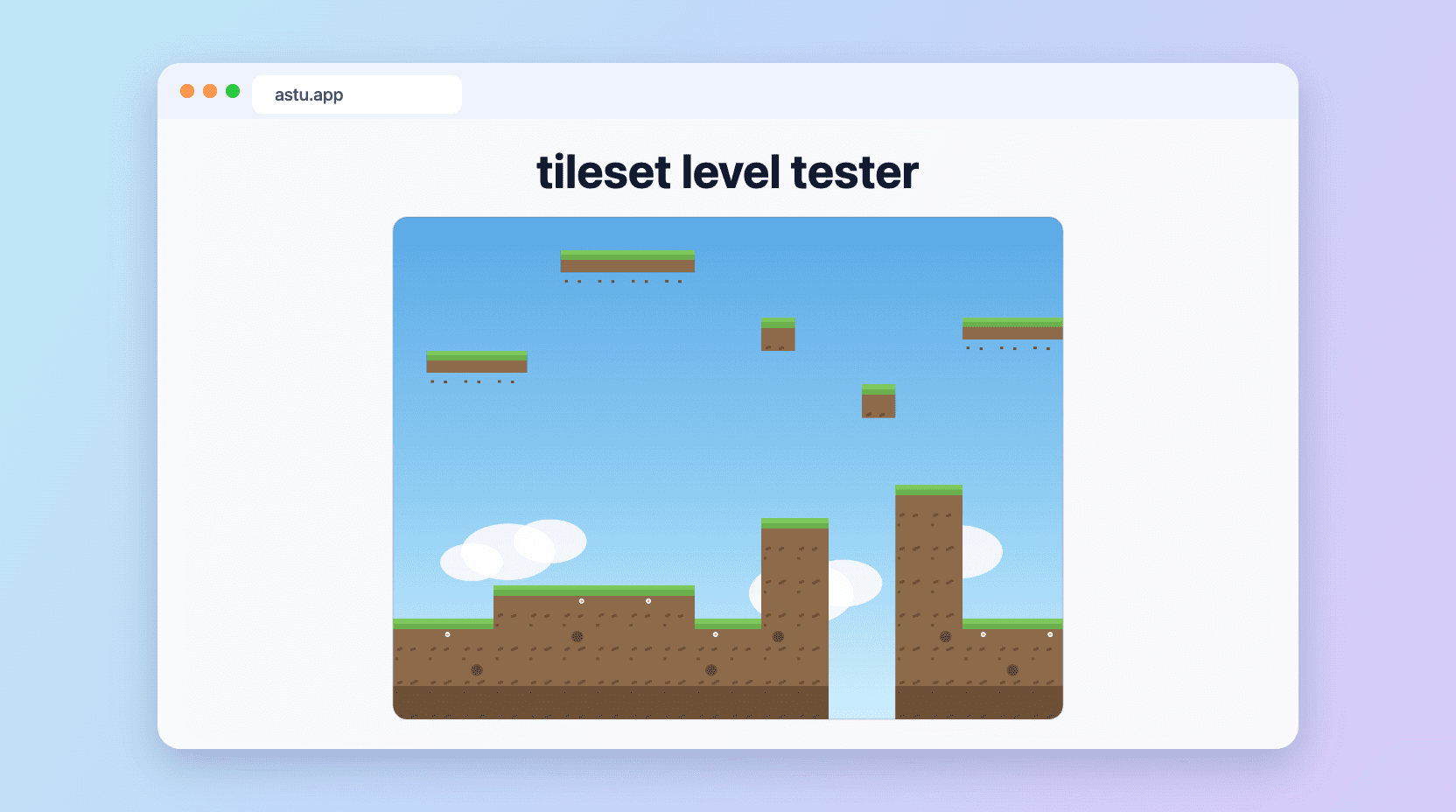
Tileset Level Tester
Upload a 2D tileset and instantly preview it as a game level, then download a 1280x960 JPG. Fully in-browser.
View detailsView - Tool2026
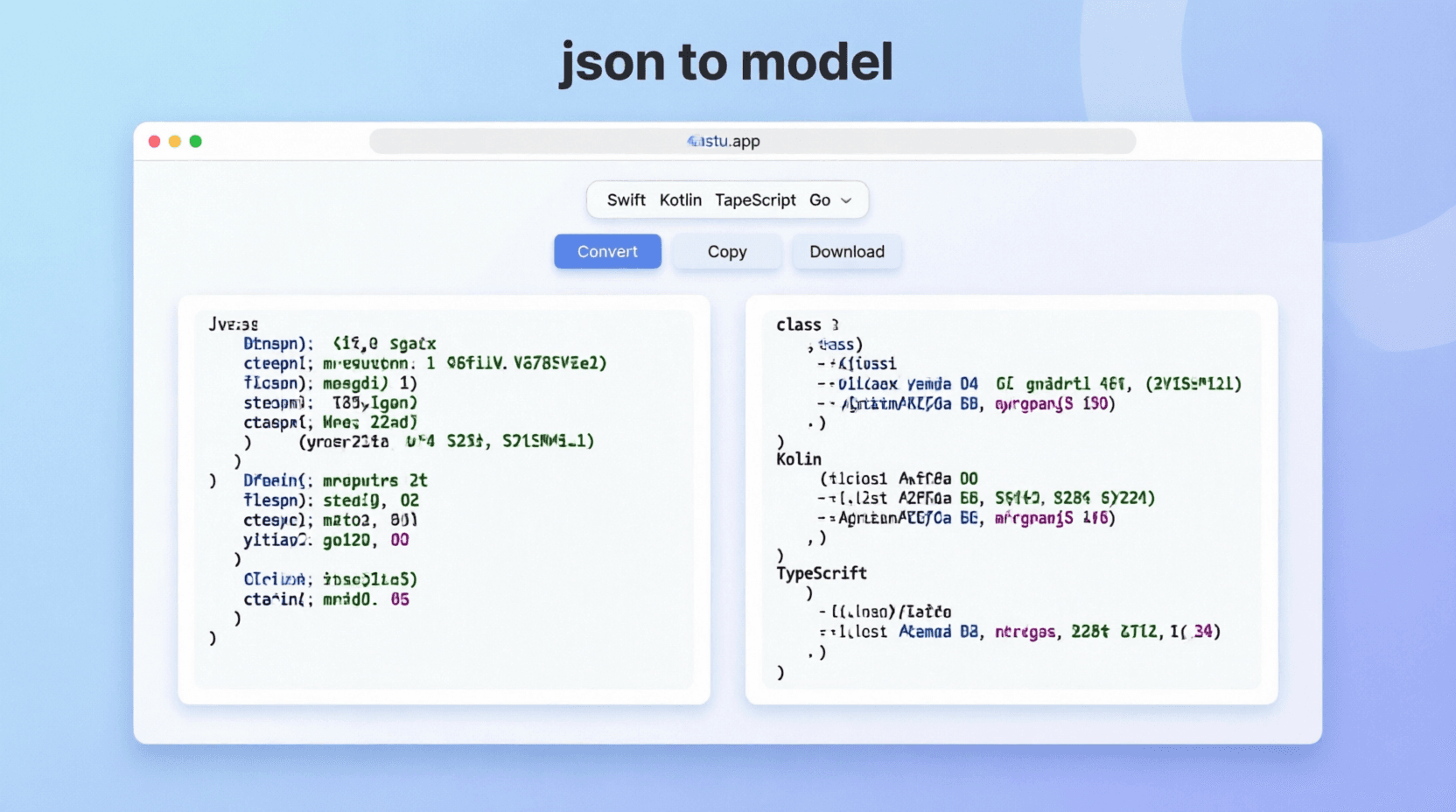
JSON to Model Converter
Convert JSON objects into strongly typed models across popular languages.
View detailsView