SEO Checker
Analyze title tags, meta description, headings, images, internal links, canonical tags, Open Graph tags, HTTPS, viewport, robots directives, robots.txt, and sitemap.xml.
Disclaimer
This tool evaluates on-page SEO best practices based on the homepage HTML. Actual search ranking depends on many external factors such as backlinks, domain authority, and search intent.
What this checker evaluates
How to use the results correctly
Use the score as a prioritization aid, not as a substitute for strategy. A page can pass many technical checks and still perform poorly if it does not satisfy user intent. Start with critical blocking issues such as missing titles, broken canonicals, or robots misconfiguration, then move to quality improvements like weak descriptions, heading structure, and thin internal linking.
The most effective workflow is to fix issues in layers. First ensure the page is crawlable and indexable. Next make the metadata accurate and compelling. Then improve content depth, internal navigation, and media context so the page becomes more useful to visitors, not only more compliant with technical guidelines.
This matters because SEO is cumulative. Search visibility grows when technical accessibility, clear relevance, and strong content quality reinforce each other. The checker helps expose gaps quickly so you can spend more time improving the page itself.
Who this tool is for
This tool is useful for independent makers, small businesses, developers, and content teams who need a fast first-pass audit without opening multiple browser extensions or manual checklists. It is especially helpful during launch preparation, redesign reviews, and post-deployment QA when technical mistakes often slip through.
It is also useful as a recurring maintenance step. Running periodic homepage checks helps catch regressions after CMS updates, metadata refactors, theme changes, or infrastructure migrations that unintentionally affect crawlability or search presentation.
Other tools you might want to try
Discover more fast utilities from this collection, plus one sponsored slot.
- Tool2026
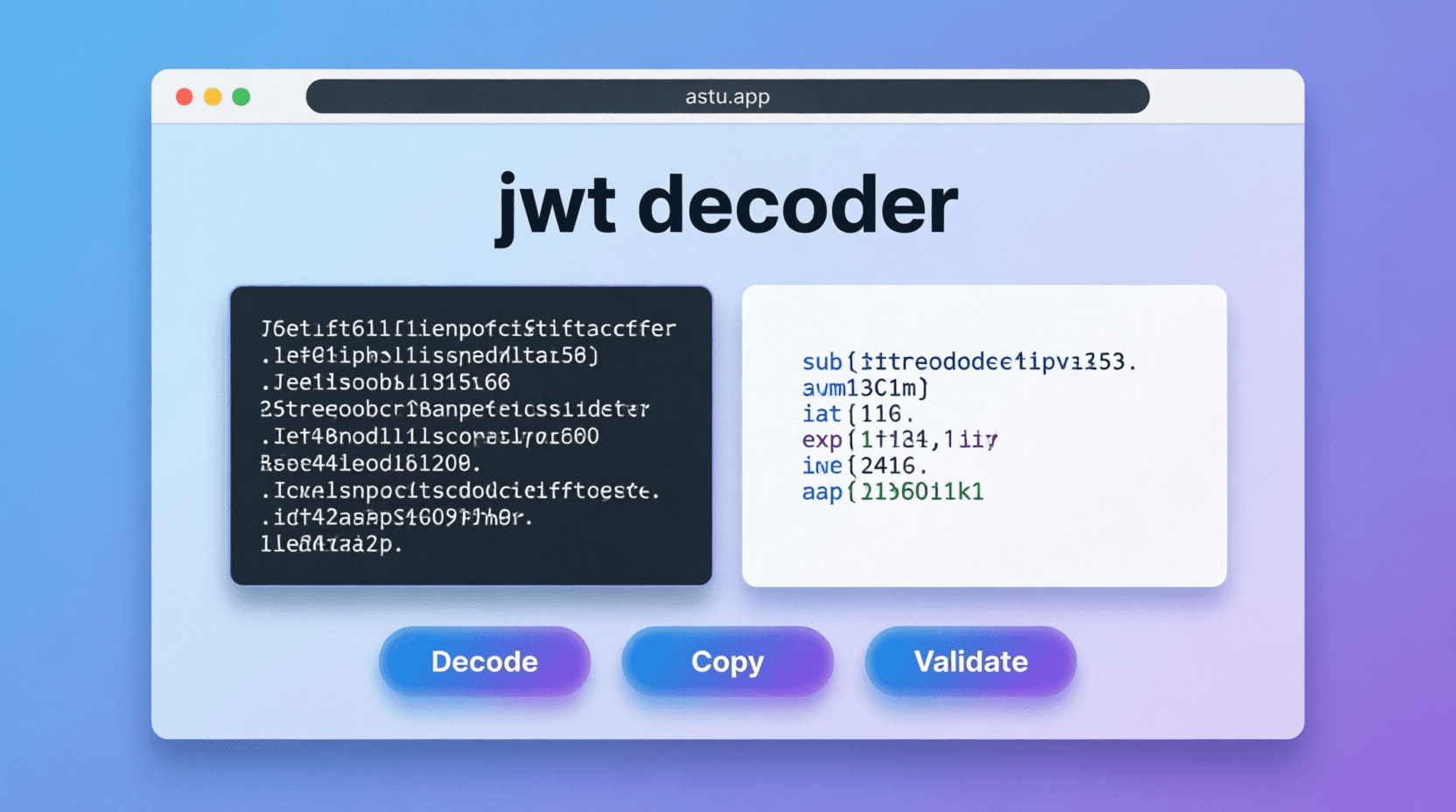
JWT Decoder
Decode JWT header and payload, then track expiration countdown instantly.
View detailsView - Tool2026
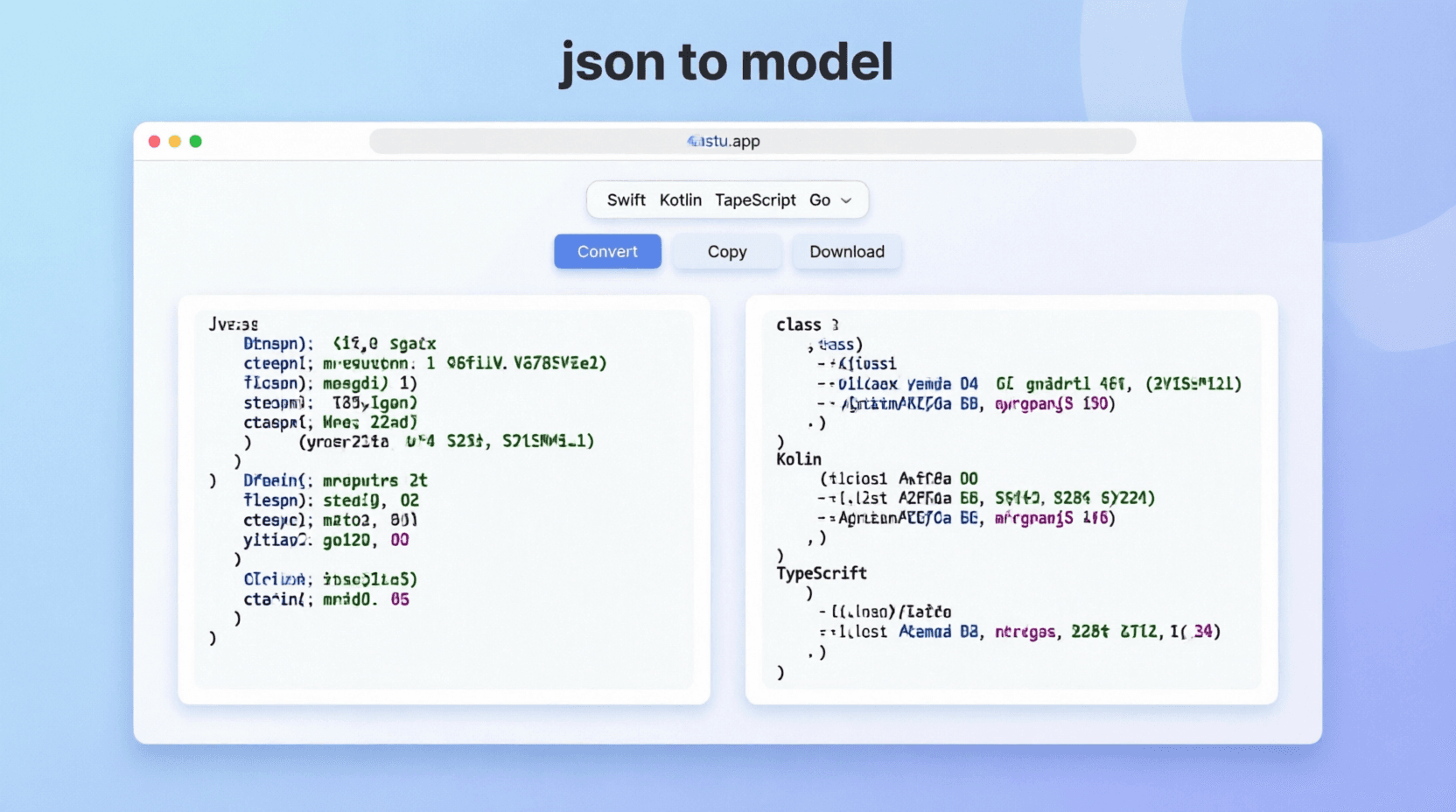
JSON to Model Converter
Convert JSON objects into strongly typed models across popular languages.
View detailsView - Tool2026
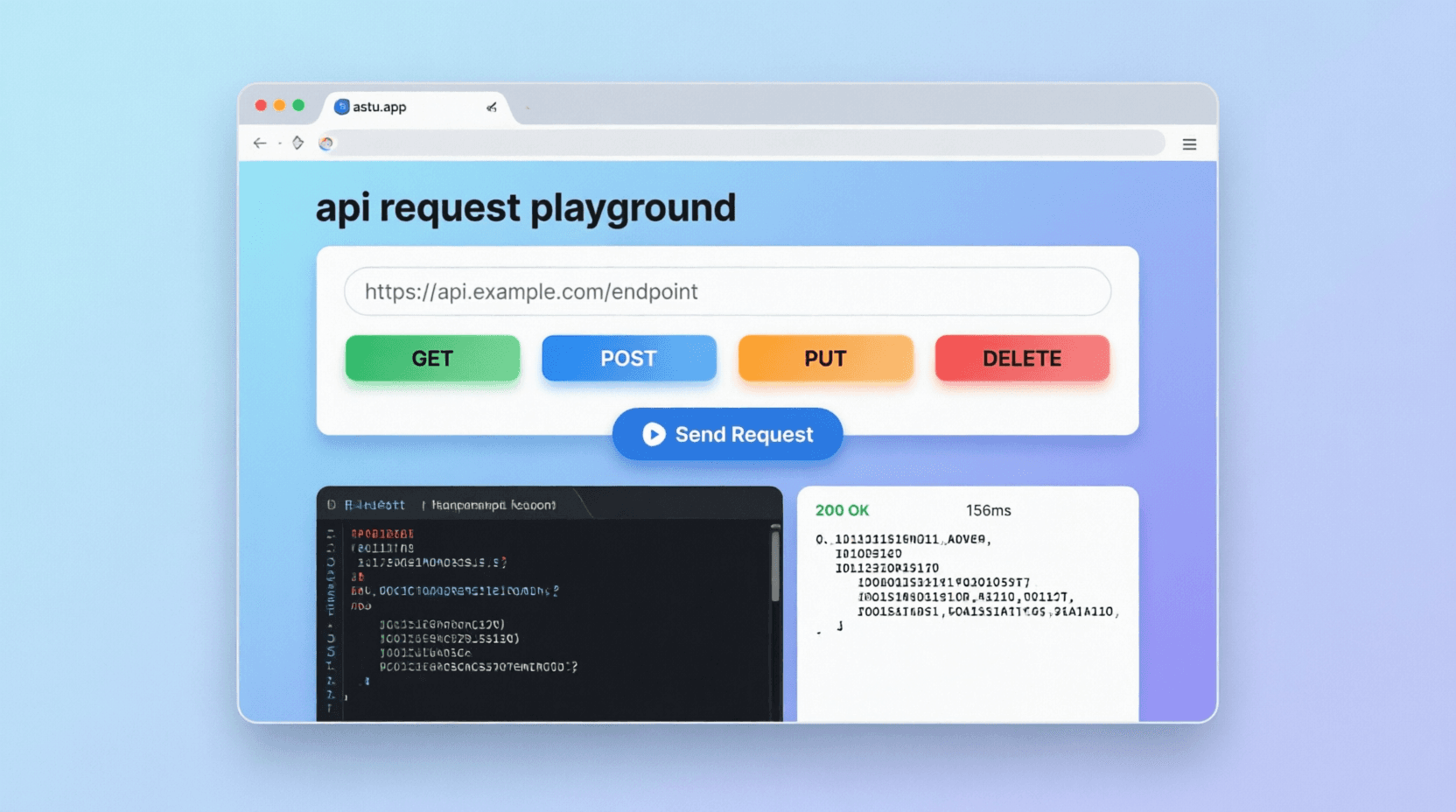
API Request Playground
Build and test HTTP requests with JSON body validation, response tabs, and snippet generation.
View detailsView - Tool2026
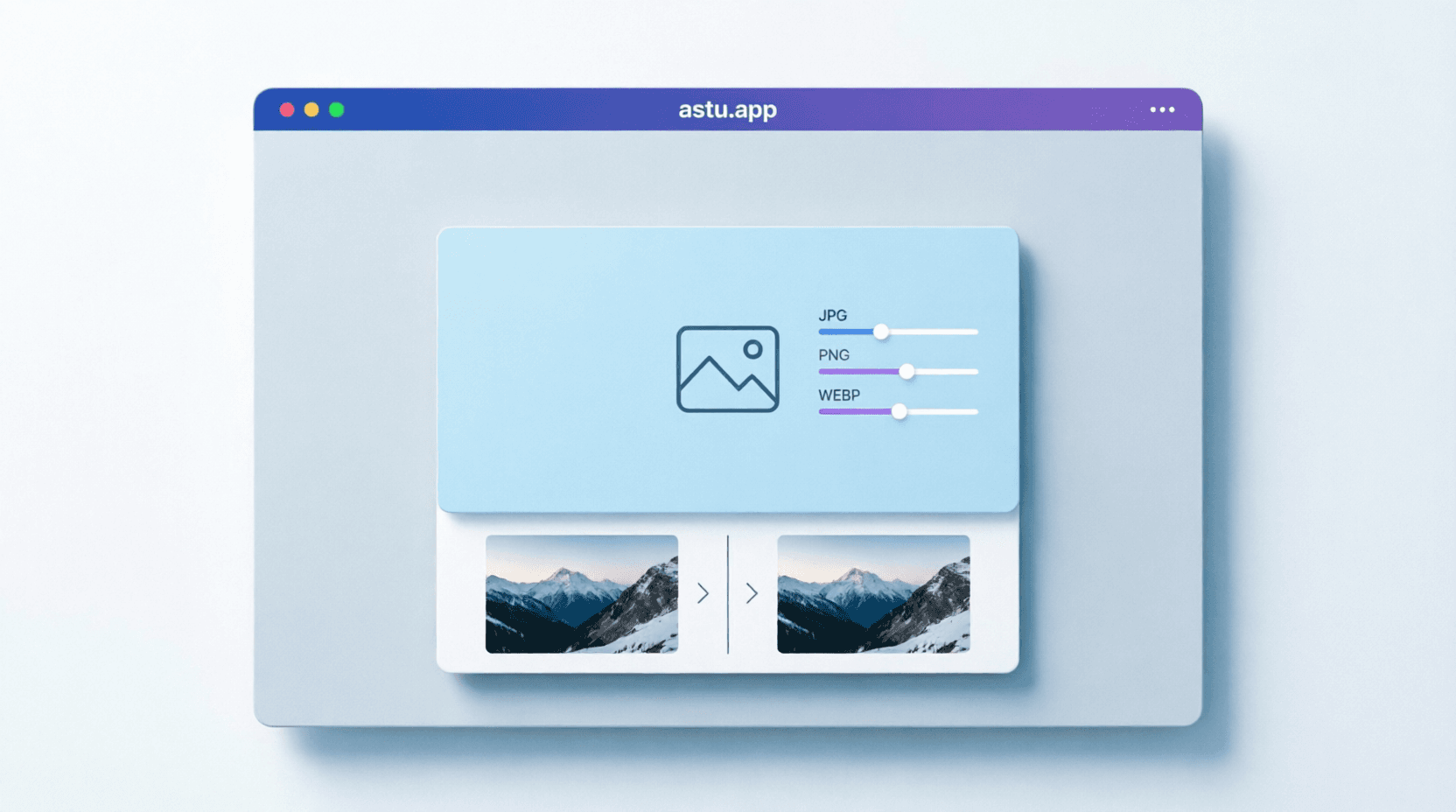
Image Editor
Compress and resize JPG, PNG, and WEBP images fully in-browser with no server upload.
View detailsView - Tool2026
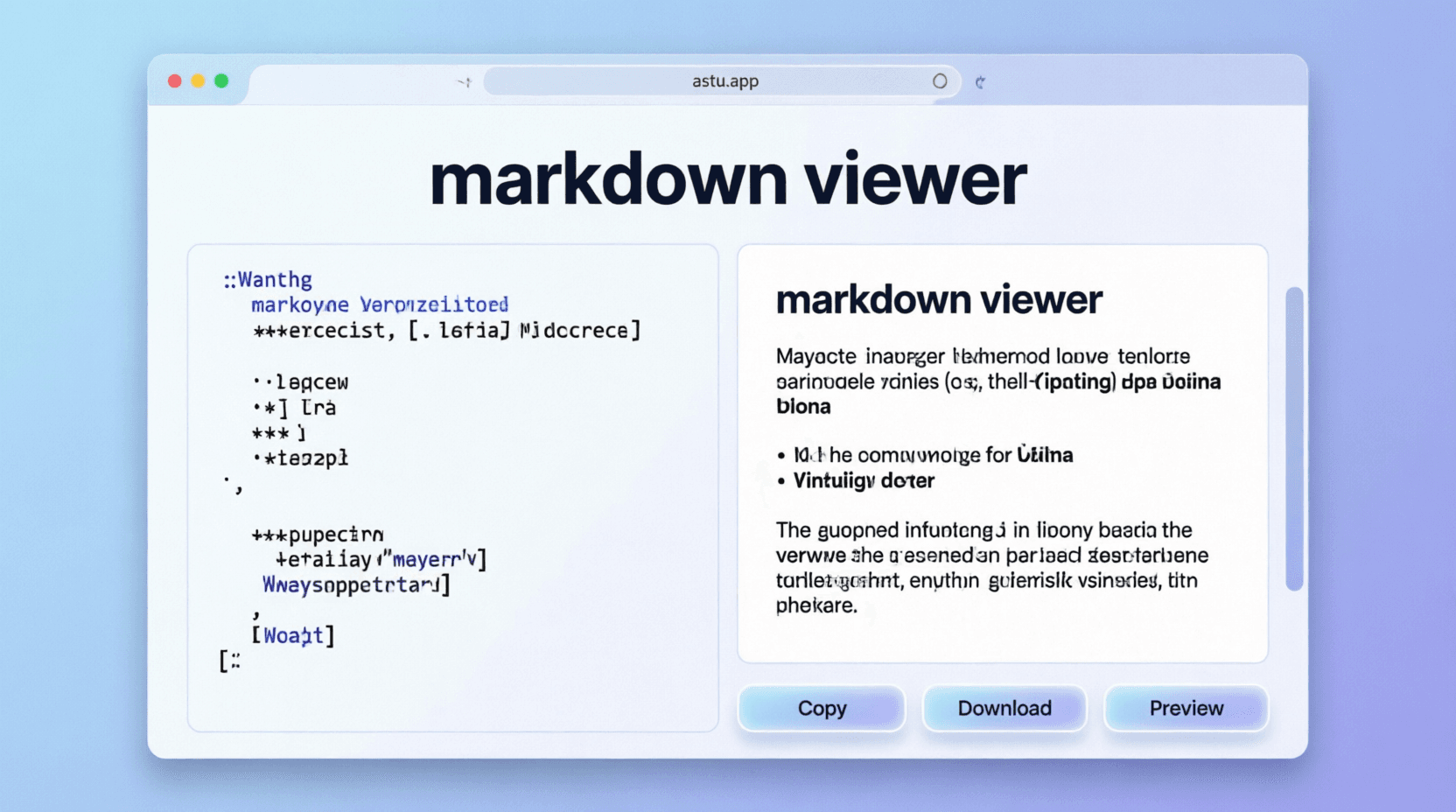
Markdown Viewer
Write and preview markdown live with line numbers, GFM support, and copyable code blocks.
View detailsView - Tool2025
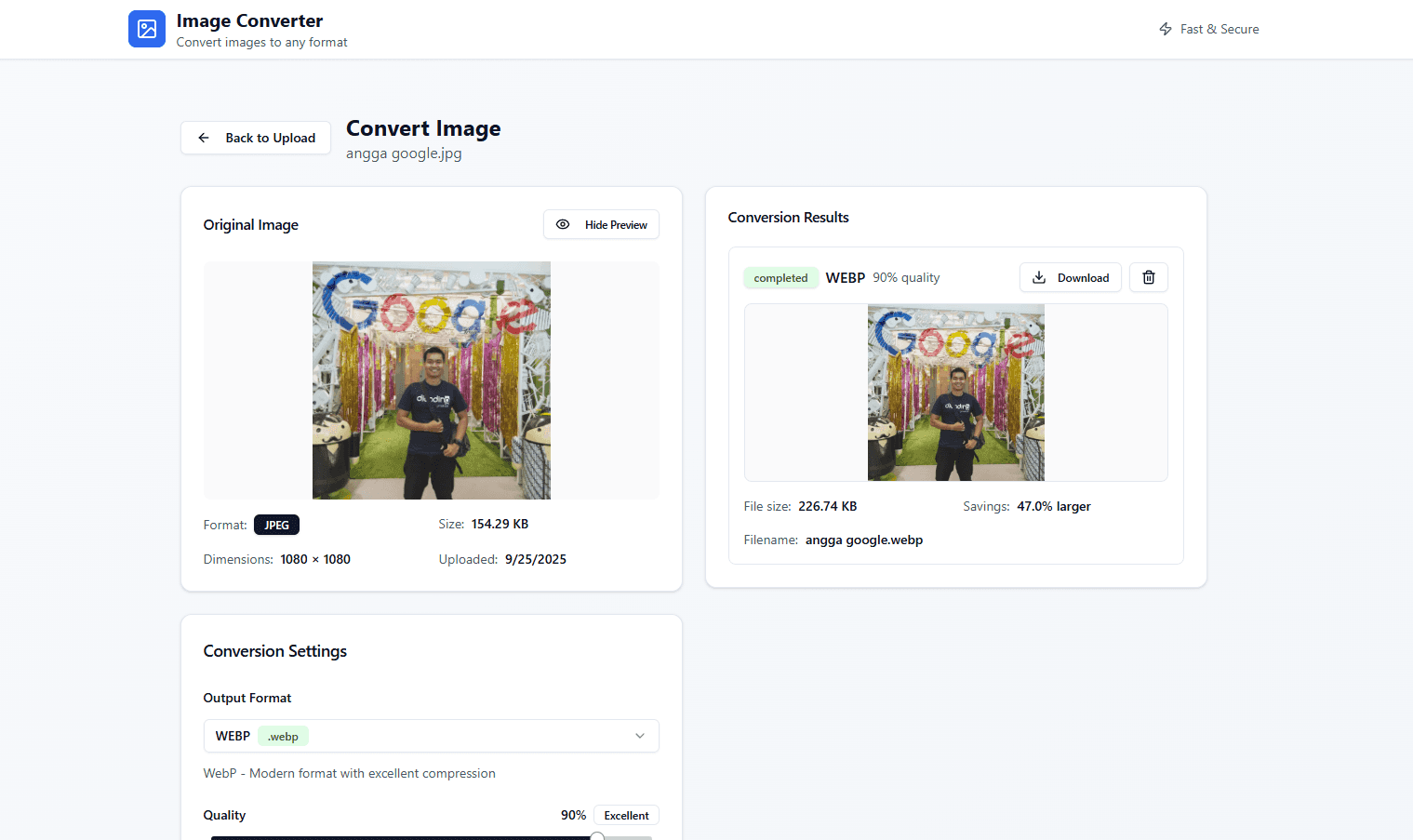
Astu's ImageConverter
Convert images quickly in the browser—simple and fast.
View detailsView - SponsoredPromoted placement for tool explorers
- Tool2026
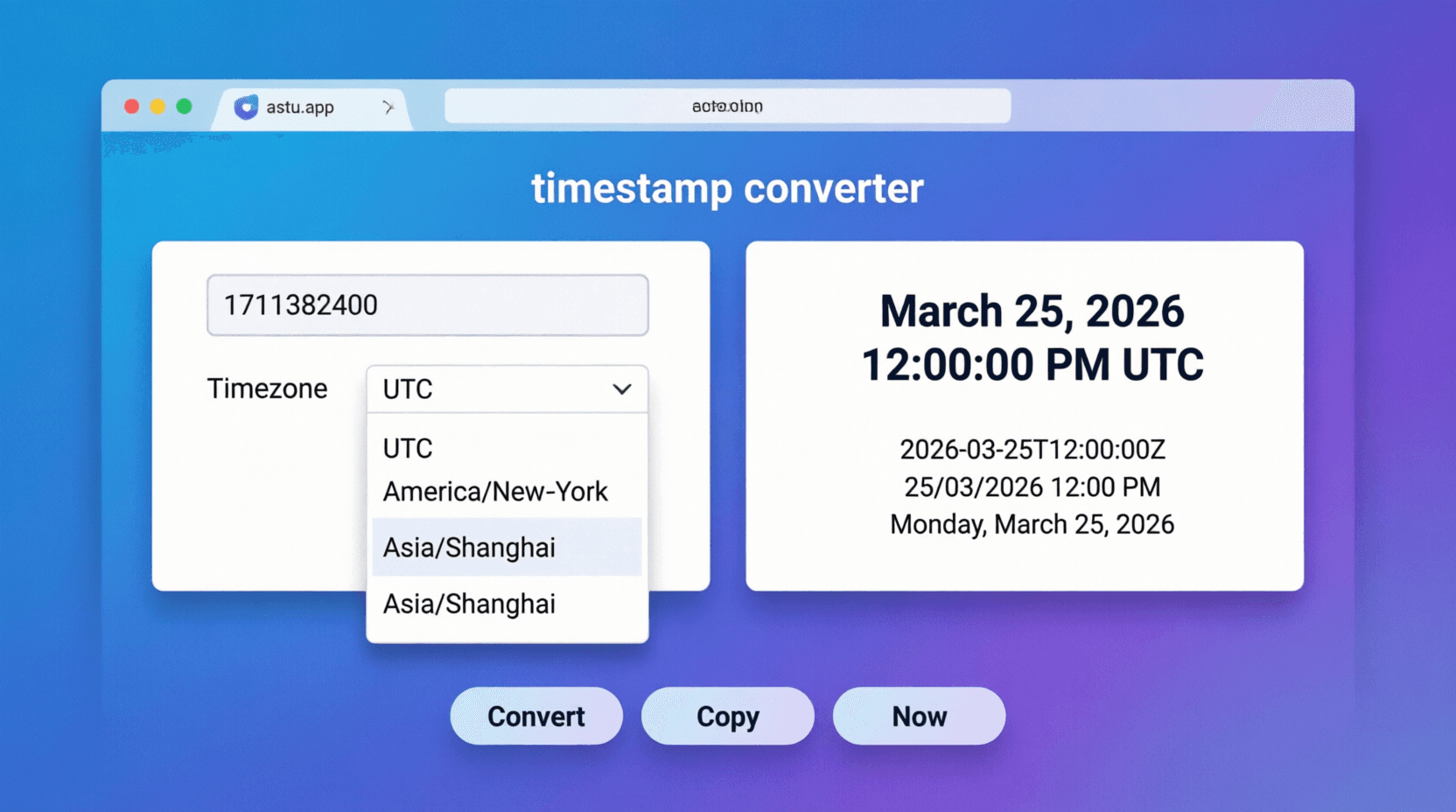
Timestamp Converter
Convert UNIX timestamps into UTC, local time, ISO strings, and relative time.
View detailsView