JSON Formatter & Validator
Pretty print JSON, spot errors fast, and download the cleaned output.
Why this formatter feels better
JSON is everywhere. This page keeps the experience fast, visual, and forgiving when inputs are messy or incomplete.
When this tool is most useful
This formatter is most useful when JSON is valid but difficult to inspect, or when it is almost valid and you need fast feedback about where parsing fails. Typical cases include API responses, configuration files, analytics payloads, webhook bodies, export files, and event logs copied from browser tools or server dashboards.
In team environments, consistent formatting improves code reviews and debugging because everyone sees the same structure immediately. Clean indentation makes nested objects and arrays easier to scan, while line numbers shorten the path from “something is broken” to the exact character that needs fixing.
A browser-based formatter is also useful for quick triage. Instead of opening an editor, creating a temp file, and configuring plugins, you can paste raw JSON, validate it, and continue with the task in seconds. That lower friction matters when formatting is a repeated supporting step rather than the main job itself.
Common mistakes this page helps you catch
The most common JSON issues are surprisingly small: trailing commas, missing double quotes around keys, accidental single quotes copied from another language, mismatched braces, and invalid escape sequences. When payloads get large, these mistakes become harder to spot by eye because one malformed line can invalidate the entire document.
This page reduces that search cost by surfacing parser feedback in a form that is easier to act on. The highlighted error location narrows the investigation area, and the formatted output viewer lets you scan successful results without losing structure or context.
For production debugging, this matters because it separates validation from interpretation. First confirm the payload is structurally valid, then reason about field semantics. That two-step process prevents wasted time on application logic when the real issue is malformed JSON.
Other tools you might want to try
Discover more fast utilities from this collection, plus one sponsored slot.
- Tool2026

SEO Checker
Audit homepage SEO best-practice signals like metadata, structure, crawlability, and media tags.
View detailsView - Tool2026
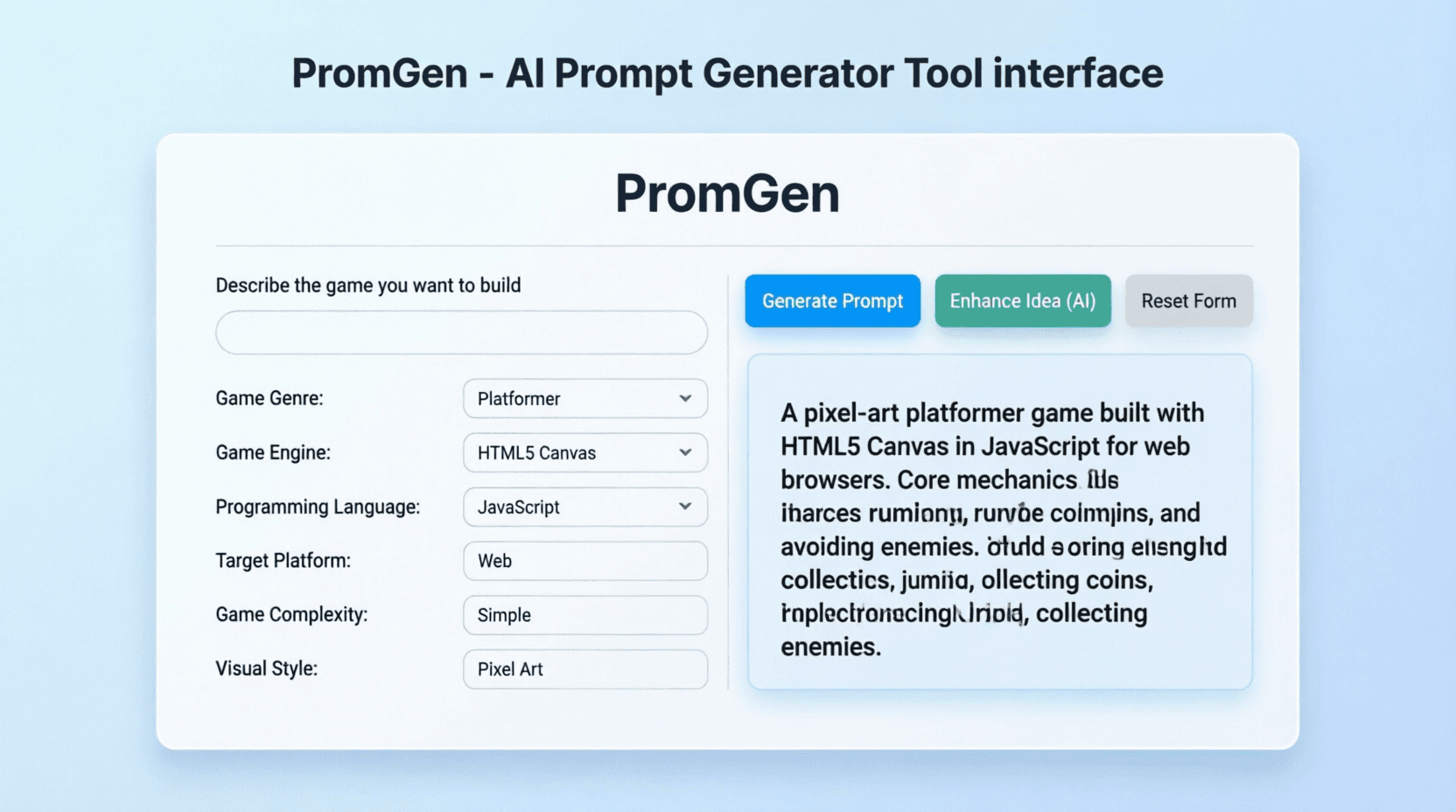
PromGen
Generate structured prompts for AI coding assistants to build games.
View detailsView - Tool
Printama Sample App
Printama Sample App demonstrates Bluetooth thermal printer integration for Android developers and businesses. This demo application showcases the powerful capabilities of the Printama library, providing a comprehensive testing environment for thermal printing functionality.
View detailsView - Tool2025
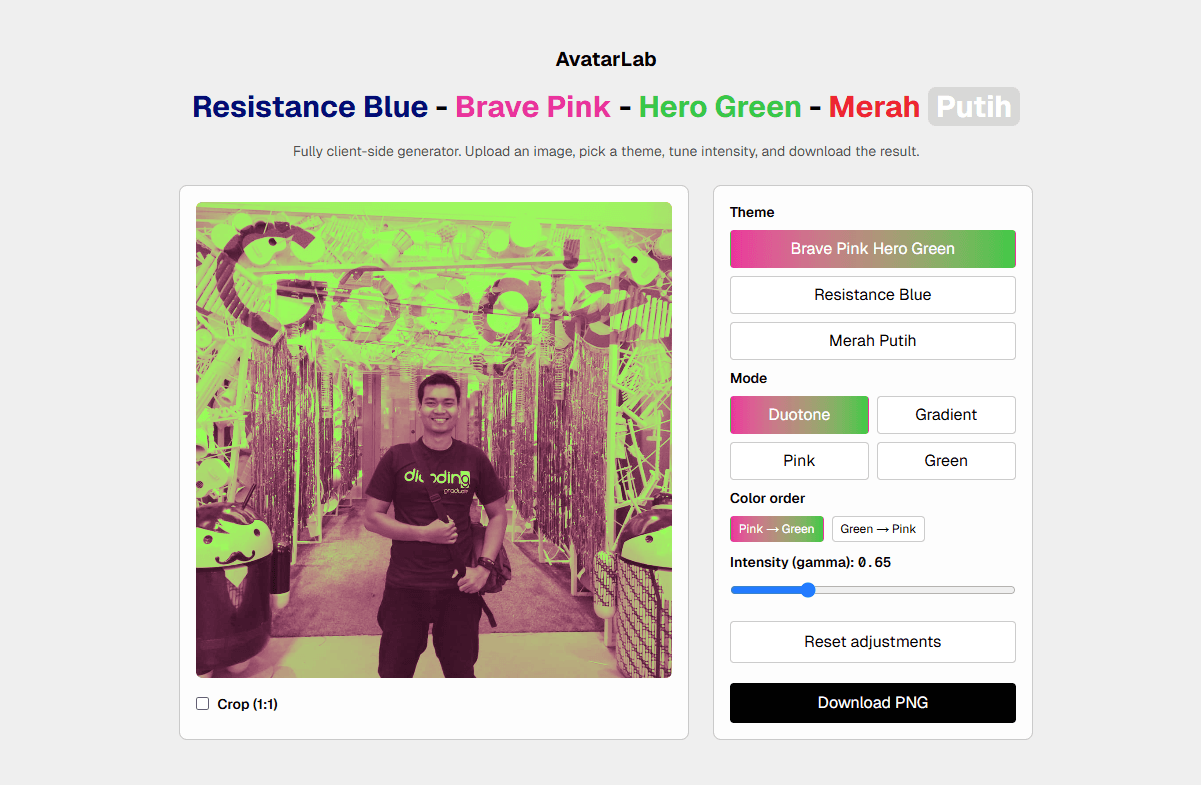
Astu's AvatarLab
A lightweight tool to generate and preview avatars.
View detailsView - Tool2026
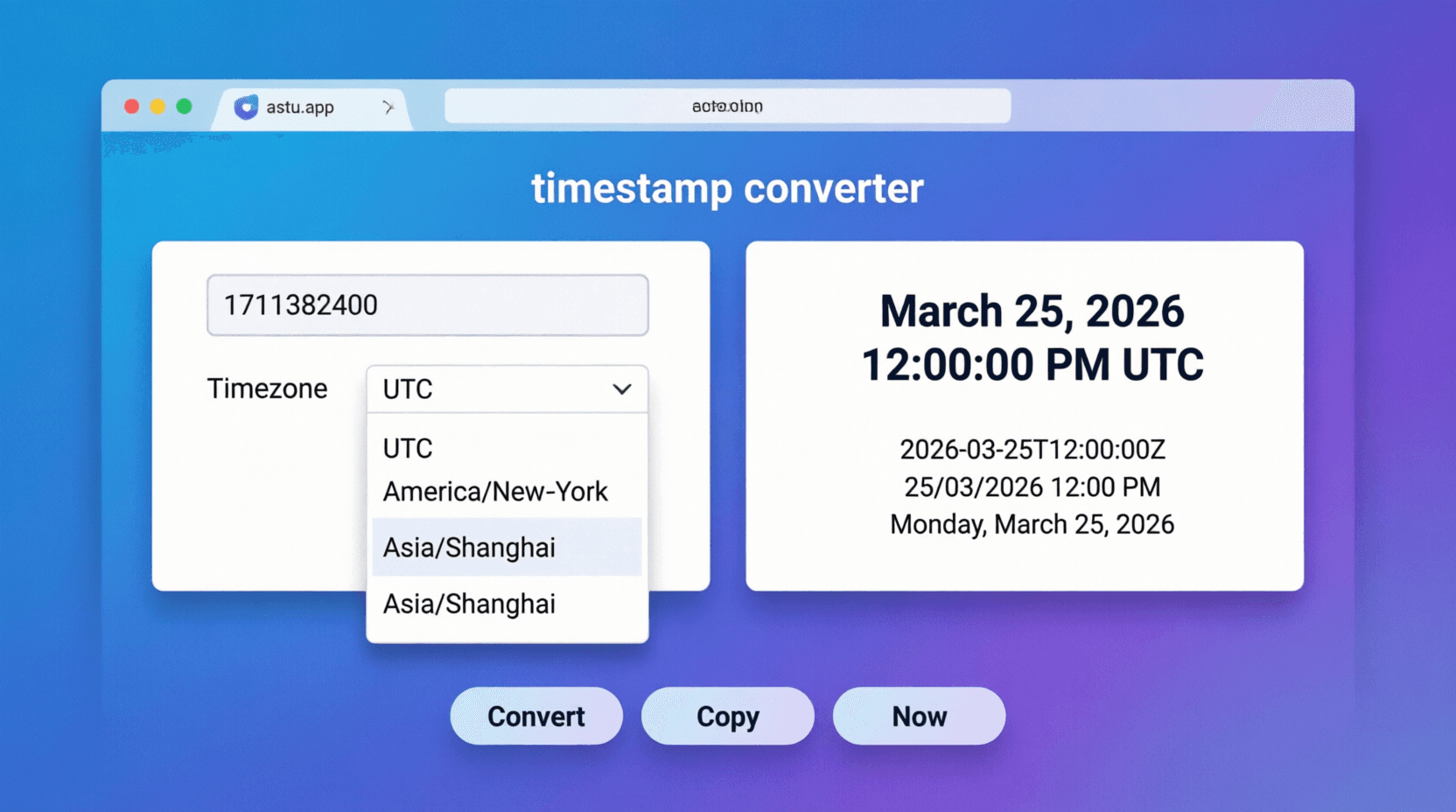
Timestamp Converter
Convert UNIX timestamps into UTC, local time, ISO strings, and relative time.
View detailsView - Tool2026
Open Graph Preview Tool
Analyze Open Graph tags, preview social cards, and get actionable optimization suggestions.
View detailsView - Tool2026
JWT Decoder
Decode JWT header and payload, then track expiration countdown instantly.
View detailsView - SponsoredPromoted placement for tool explorers