Web Performance Checker
Analyze URL performance with Google PageSpeed Insights and get readable metrics, asset summary, and practical optimization suggestions.
How this tool works
This tool uses Google PageSpeed Insights performance data and presents a simplified report for developers and marketers.
How to read a performance report
What to fix first
Start with the issues that affect the largest share of visitors. Large images, render-blocking scripts, unused CSS, and slow third-party widgets typically produce the biggest gains because they directly impact first render and interaction readiness. If the page is visually unstable, address layout shifts before secondary cleanups because instability damages trust even when raw load time looks acceptable.
Next review server and caching behavior. A fast front end cannot fully compensate for slow HTML delivery, weak caching policy, or expensive redirects. When a page feels slow before any large asset is downloaded, the bottleneck often lives in infrastructure rather than design assets alone.
After major fixes, rerun the audit and compare direction instead of expecting perfection in one pass. Performance work is iterative. The best teams use repeated measurement to confirm that each change improves real outcomes rather than introducing trade-offs elsewhere.
Best use cases for this checker
This page is especially useful during launches, redesign reviews, campaign QA, and post-deployment smoke tests. It gives a faster decision-making layer than opening the full Lighthouse interface when your goal is to quickly understand whether a page is healthy, risky, or clearly under-optimized.
It is also useful for communication across teams. Developers can use the metrics to isolate technical bottlenecks, while marketers and product owners can use the simplified explanations to understand what is blocking conversions, search visibility, or mobile usability.
Other tools you might want to try
Discover more fast utilities from this collection, plus one sponsored slot.
- SponsoredPromoted placement for tool explorers
- Tool2026
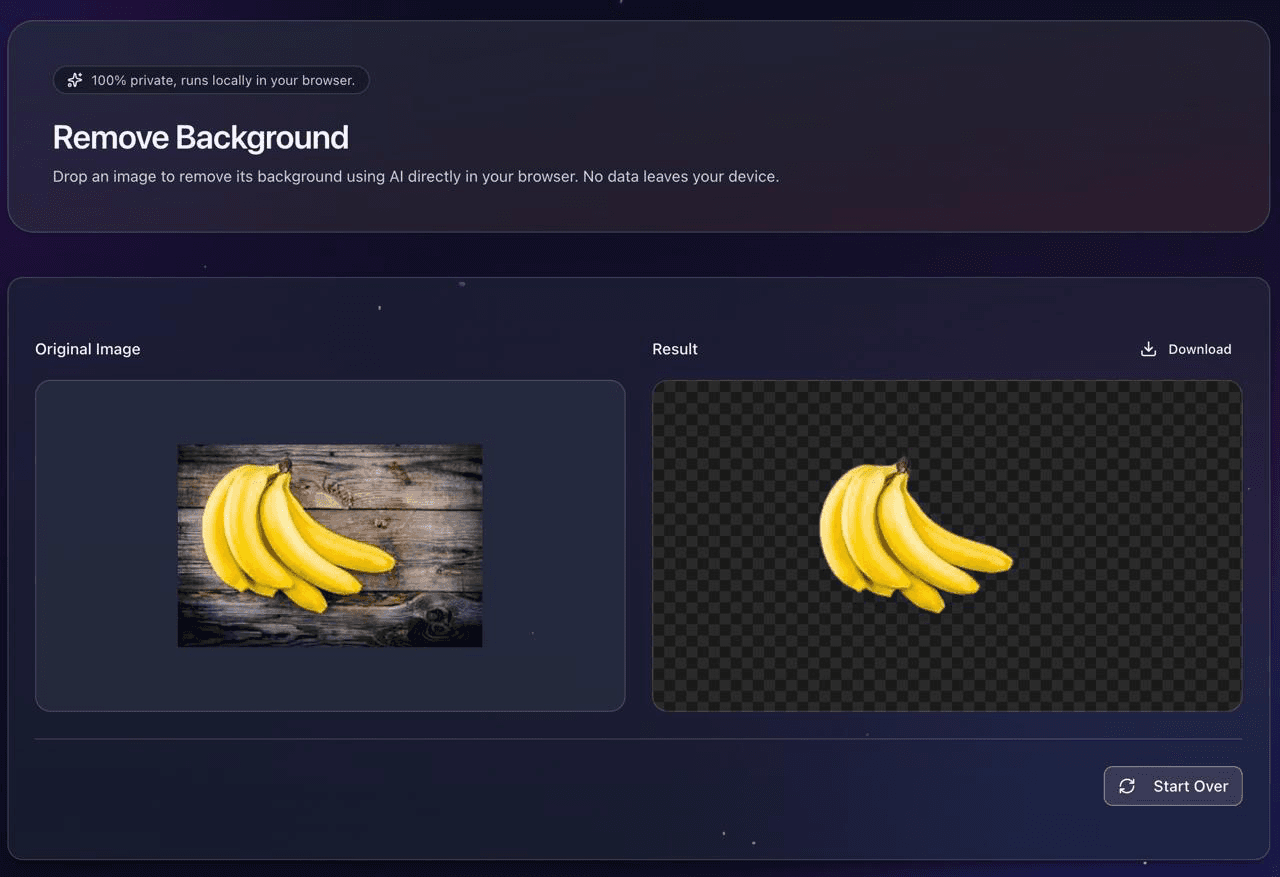
Remove Background
Remove the background from any image instantly in your browser.
View detailsView - Tool2026
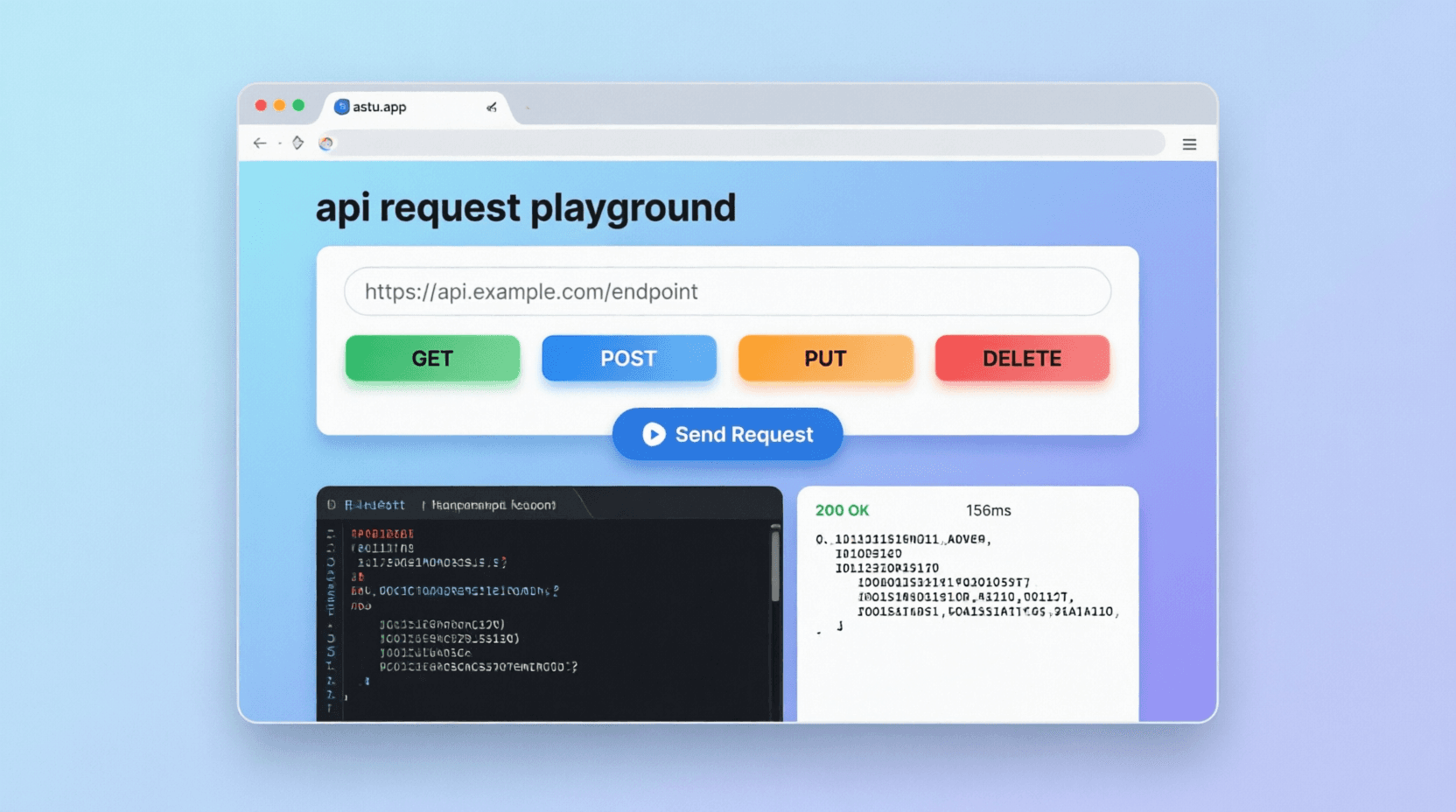
API Request Playground
Build and test HTTP requests with JSON body validation, response tabs, and snippet generation.
View detailsView - Tool2026
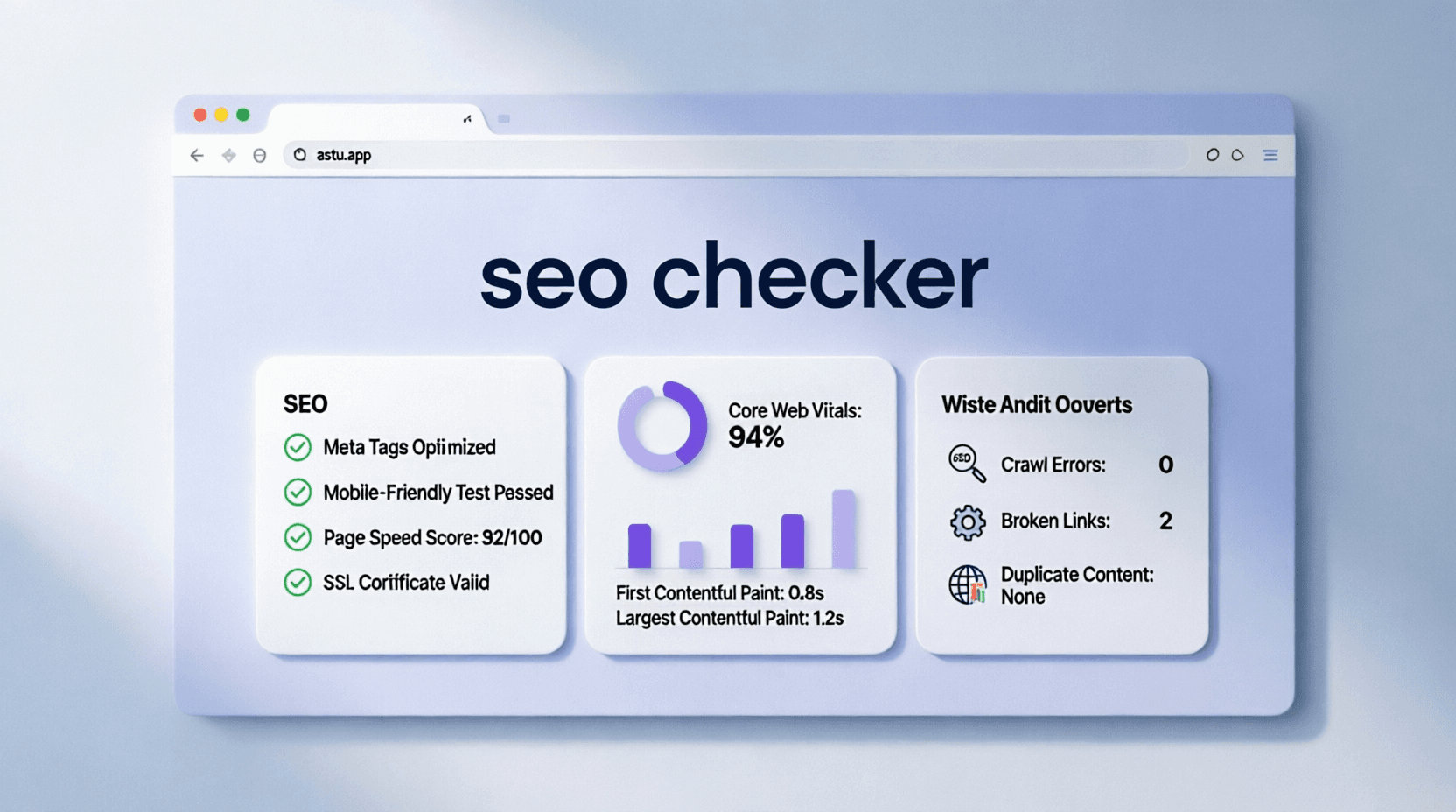
SEO Checker
Audit homepage SEO best-practice signals like metadata, structure, crawlability, and media tags.
View detailsView - Tool2026
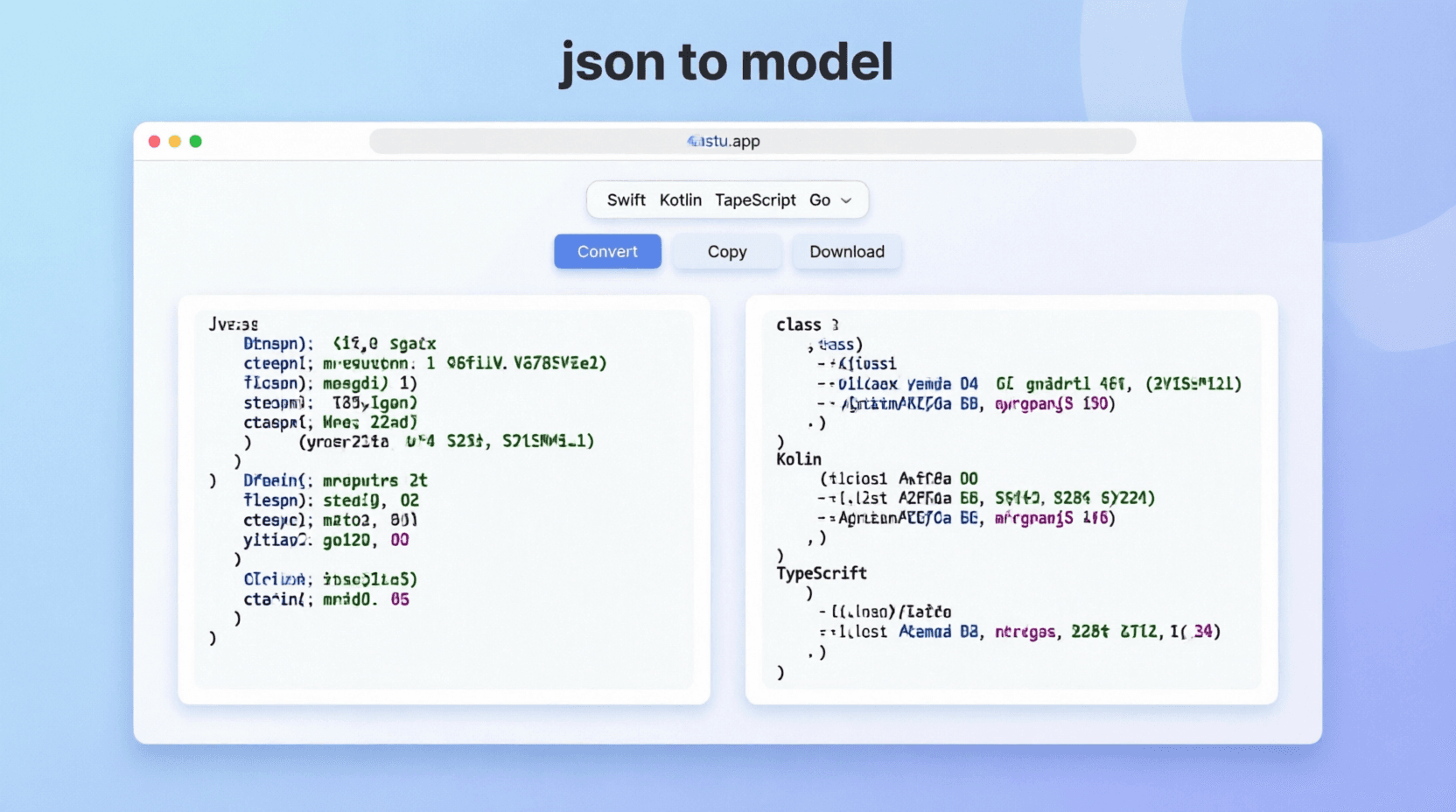
JSON to Model Converter
Convert JSON objects into strongly typed models across popular languages.
View detailsView - Tool2025
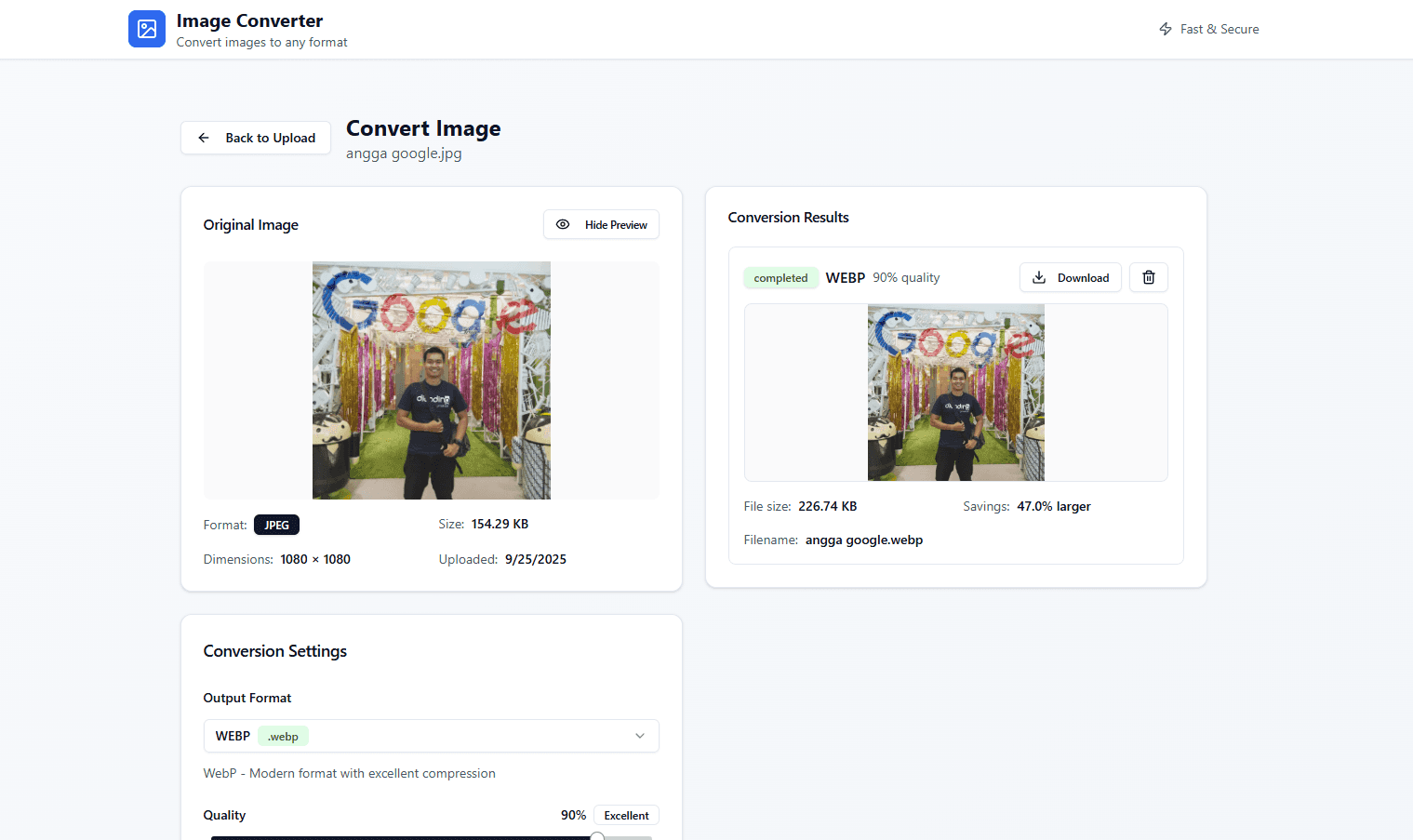
Astu's ImageConverter
Convert images quickly in the browser—simple and fast.
View detailsView - Tool2025
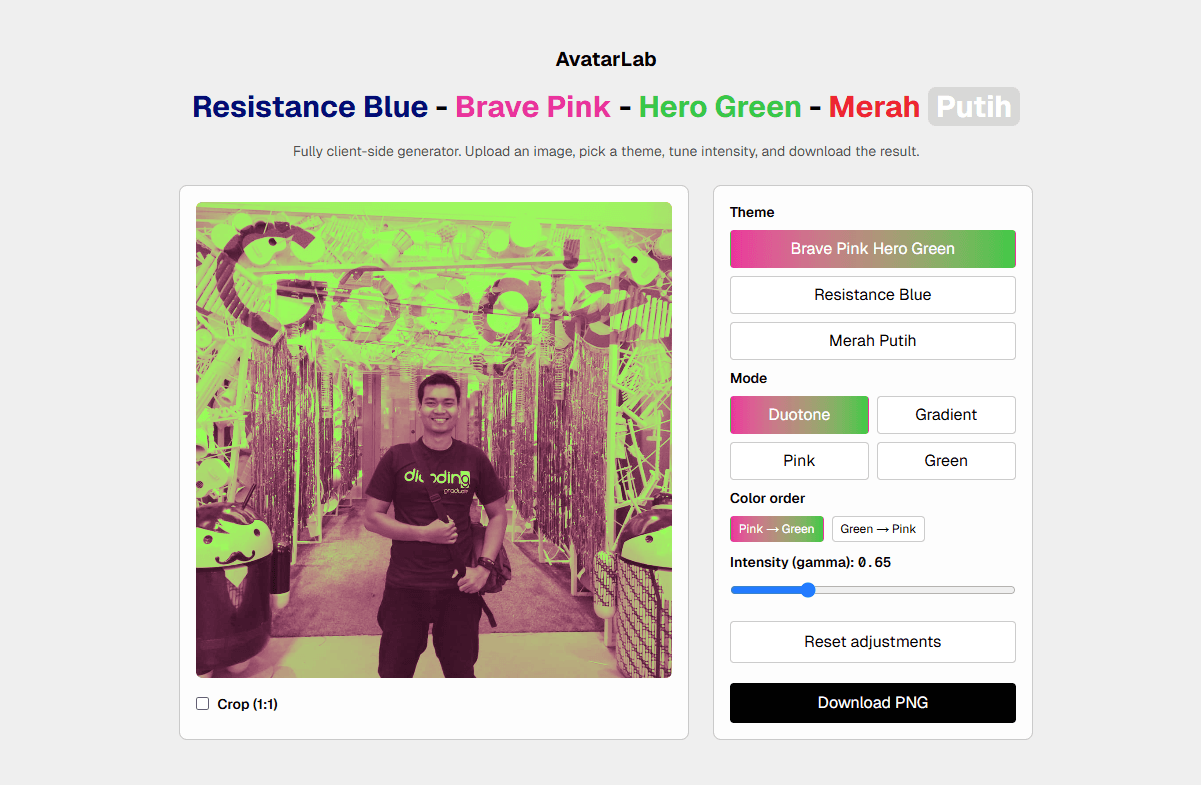
Astu's AvatarLab
A lightweight tool to generate and preview avatars.
View detailsView - Tool2026
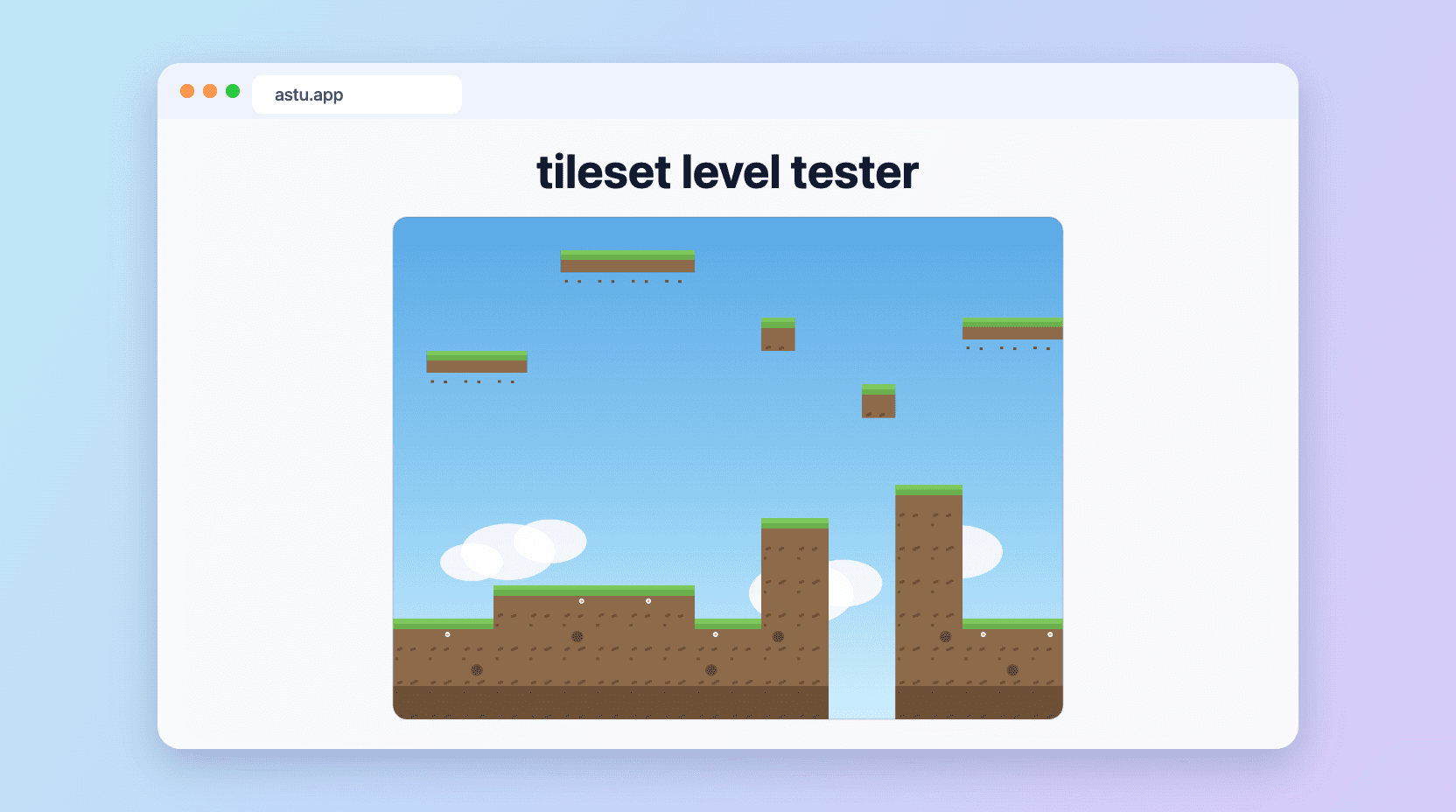
Tileset Level Tester
Upload a 2D tileset and instantly preview it as a game level, then download a 1280x960 JPG. Fully in-browser.
View detailsView